HomeStore

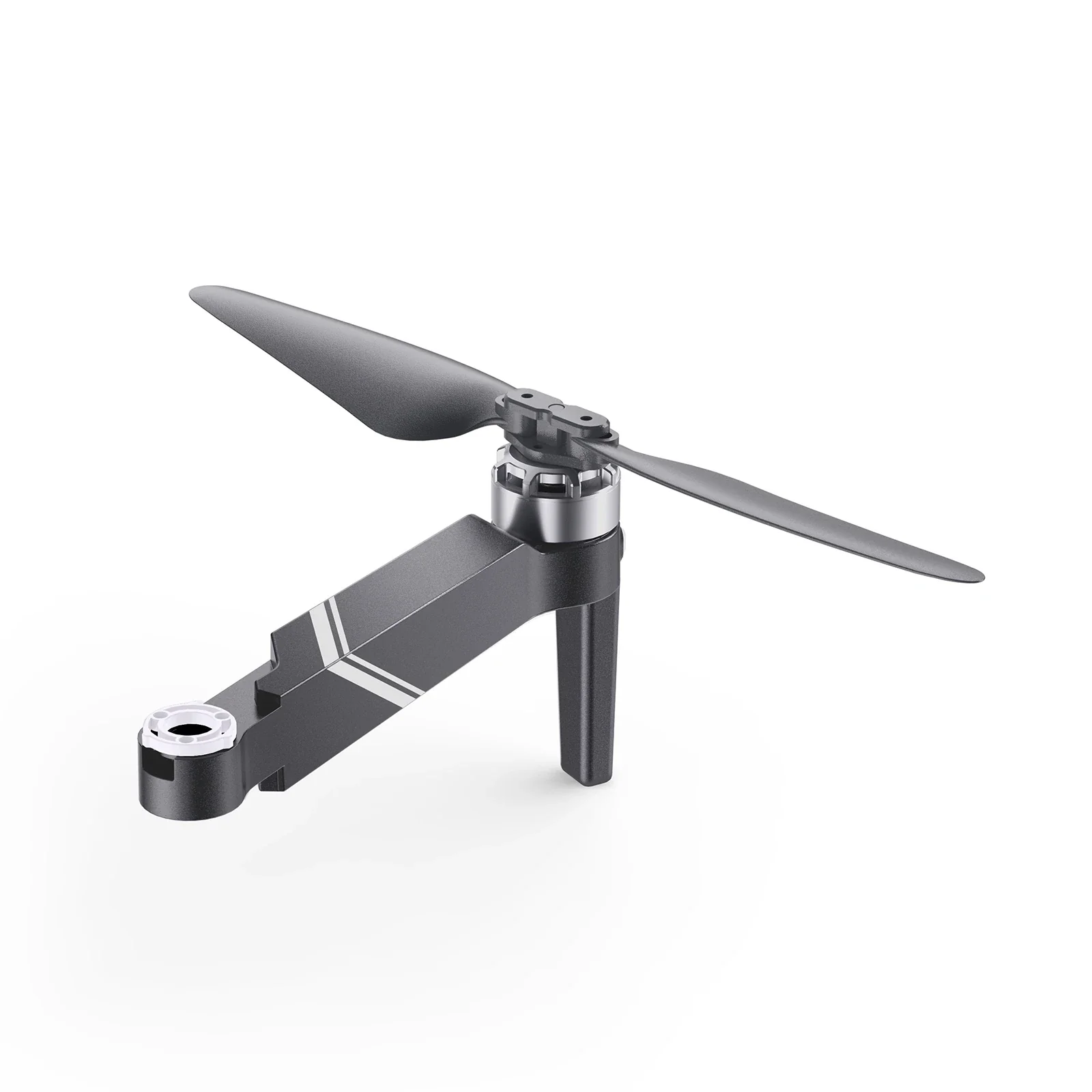
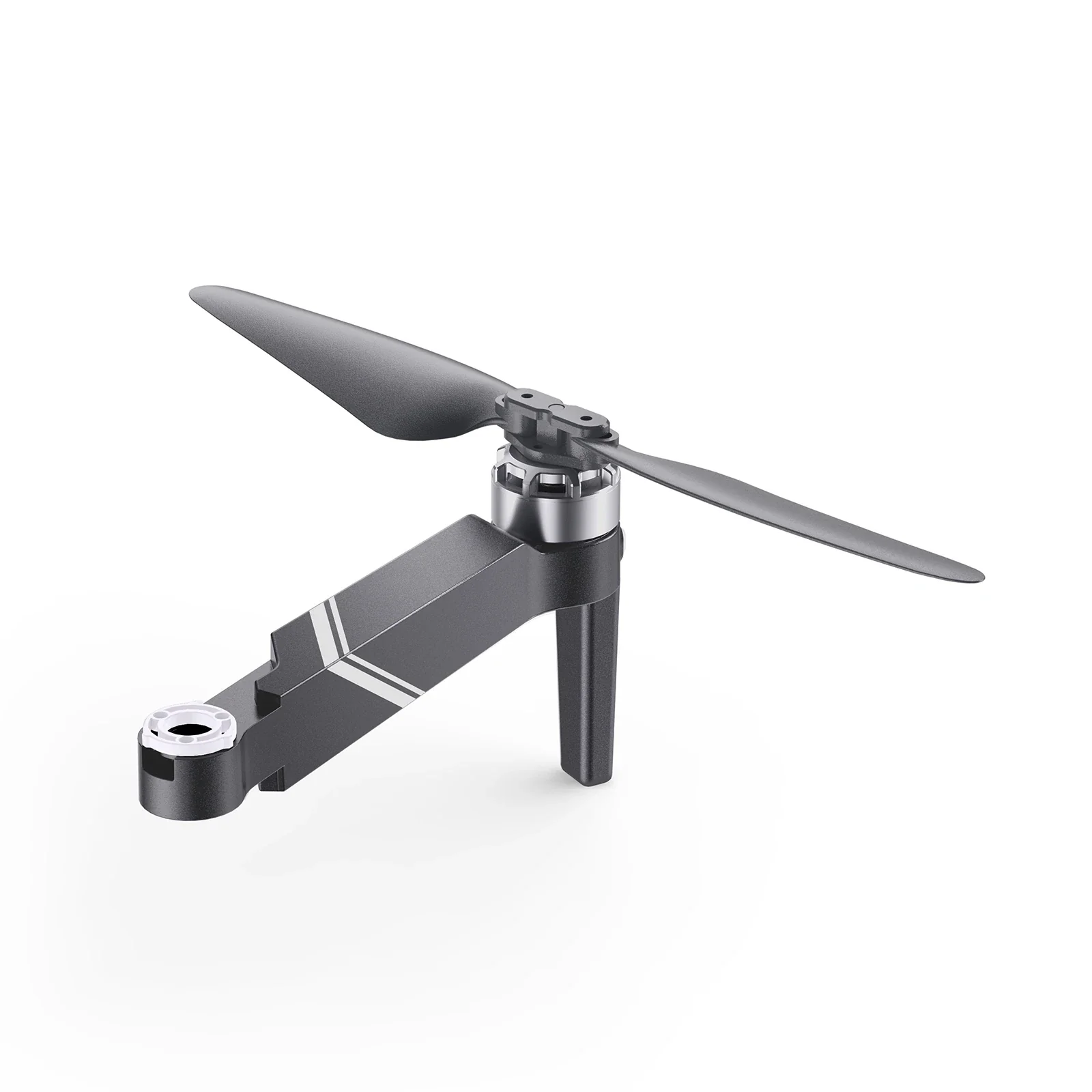
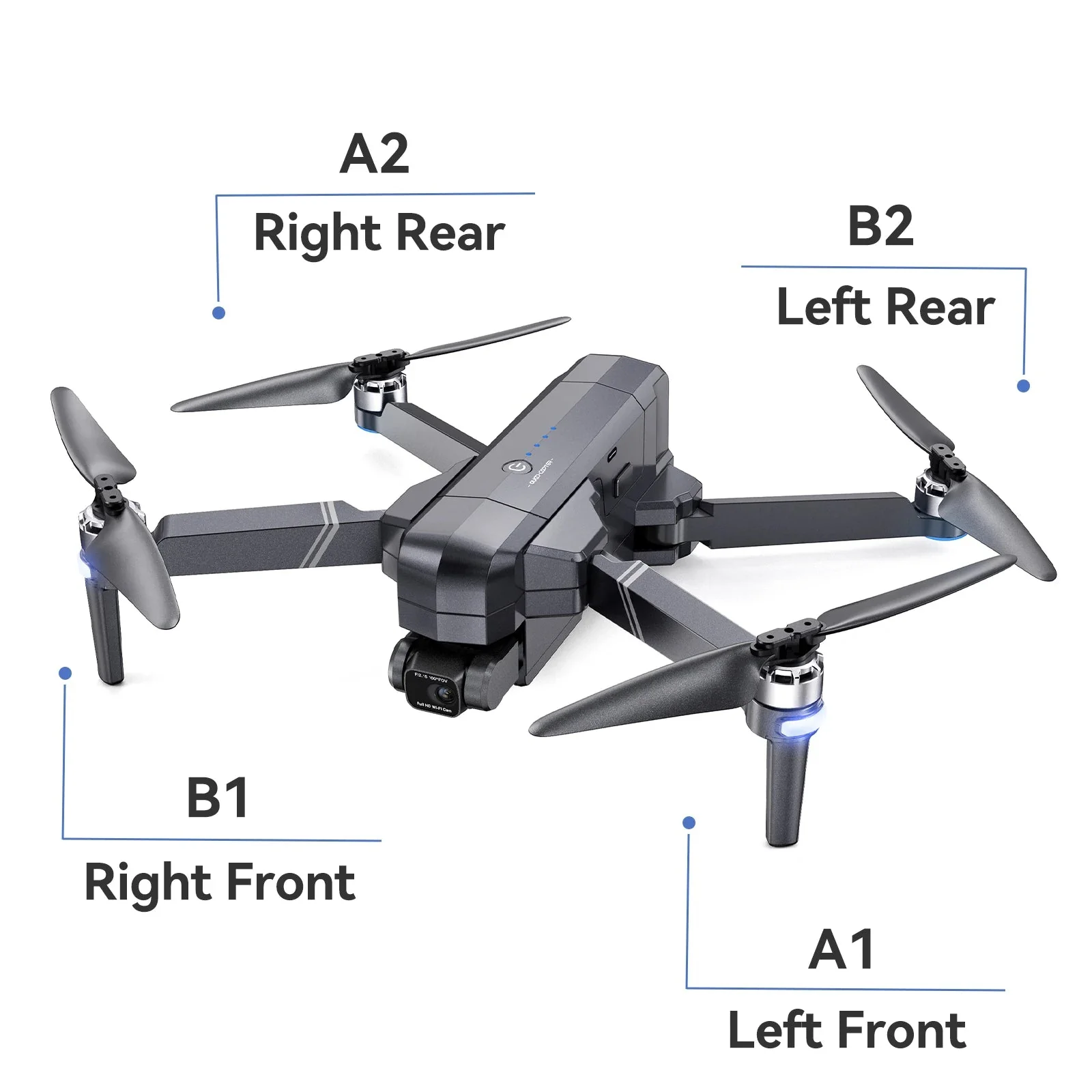
Ruko F11GIM2 & F11GIM & F11PRO & F11 Landing Gear

Product image 1
1 / 7
+2

Ruko F11GIM2 & F11GIM & F11PRO & F11 Landing Gear

How to Replace Drone Landing Gears

Ruko F11/F11 Pro/F11Gim2 Drone Landing Gear

Step1

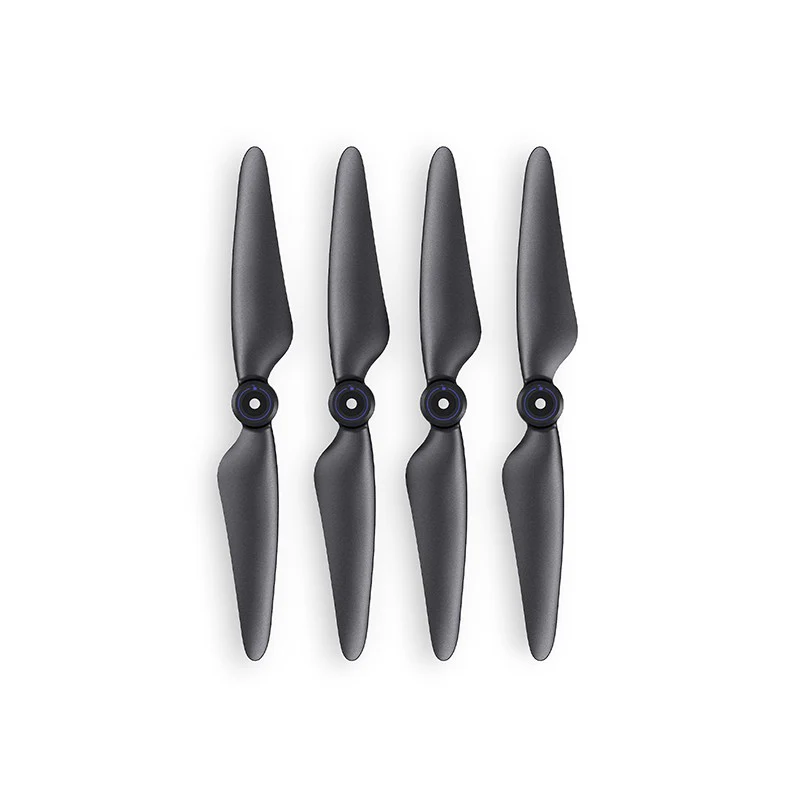
Prepare all the replacements.

Ruko F11/F11 Pro/F11Gim2 Drone Landing Gear

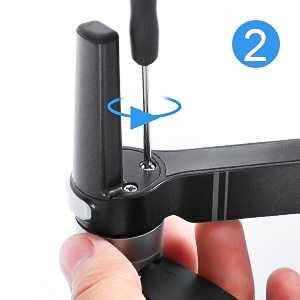
Step2

Loosen the 3 screws on the bottom.

Ruko F11/F11 Pro/F11Gim2 Drone Landing Gear

Step3

Remove the broken landing gear.
Ruko F11/F11 Pro/F11Gim2 Drone Landing Gear

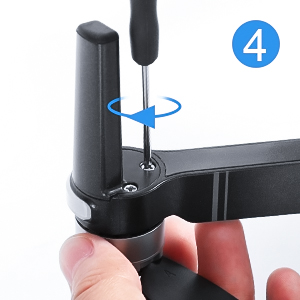
Step4

Install the new landing gear, tighten the 3 screws on the drone arm.
Ruko F11/F11 Pro/F11Gim2 Drone Landing Gear

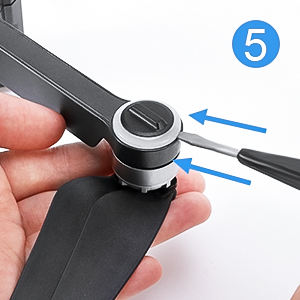
Step5

Use a small screwdriver to open the light cover.
Ruko F11/F11 Pro/F11Gim2 Drone Landing Gear

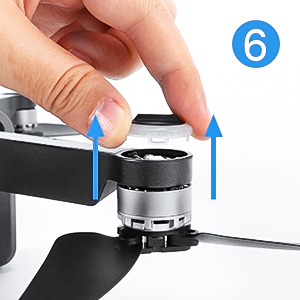
Step6

Remove the broken light cover.

Ruko F11/F11 Pro/F11Gim2 Drone Landing Gear

Step7

Install the new light cover, pay attention to align the buckles.
Ruko F11/F11 Pro/F11Gim2 Drone Landing Gear

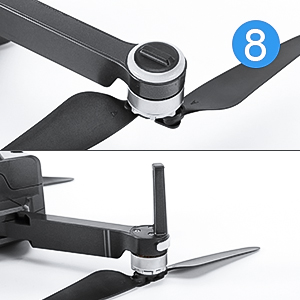
Step8

The installation is finished.

Ruko F11/F11 Pro/F11Gim2 Drone Landing Gear

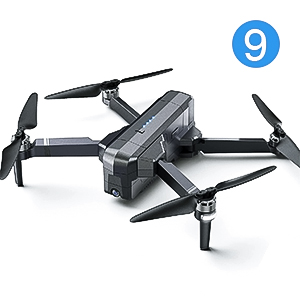
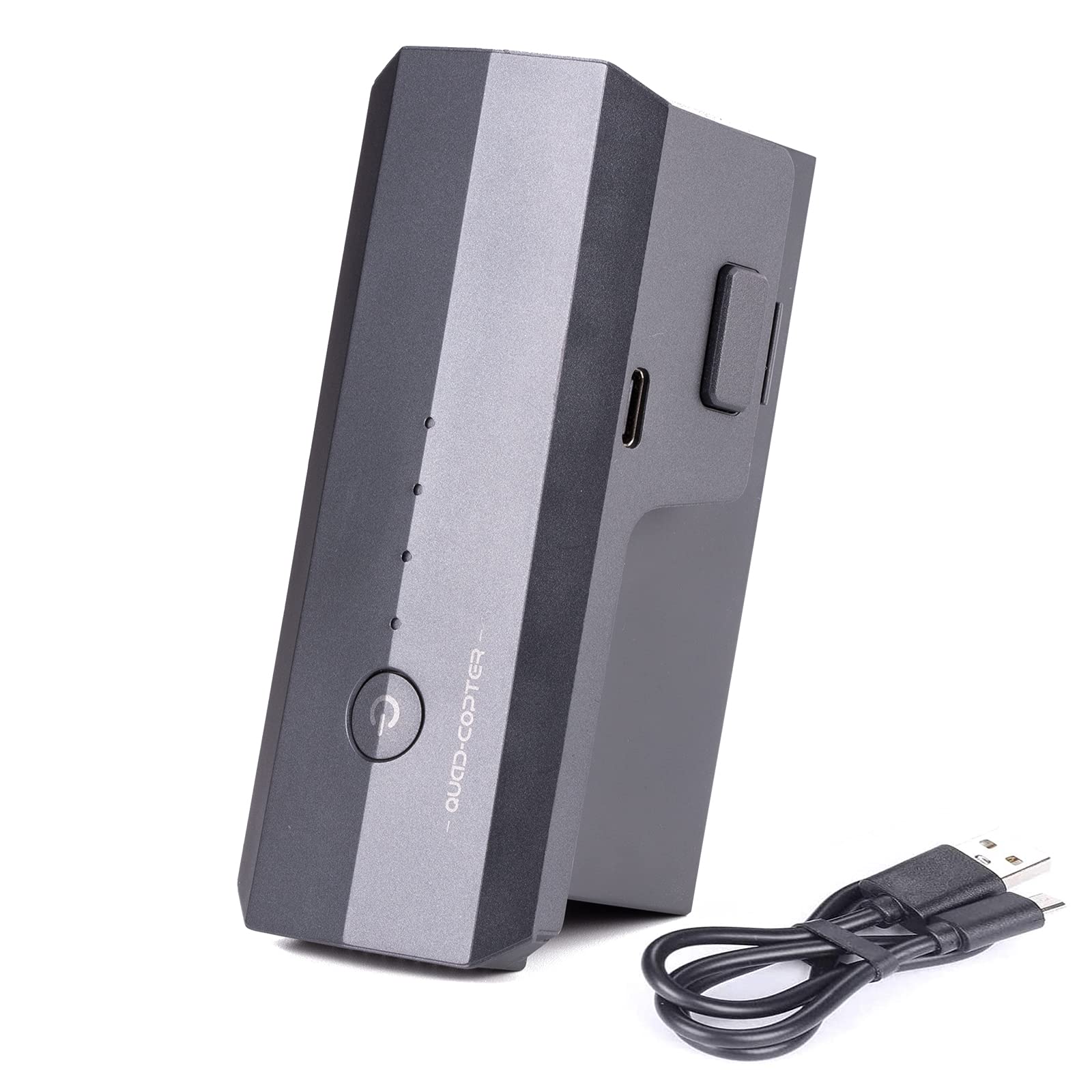
Step9

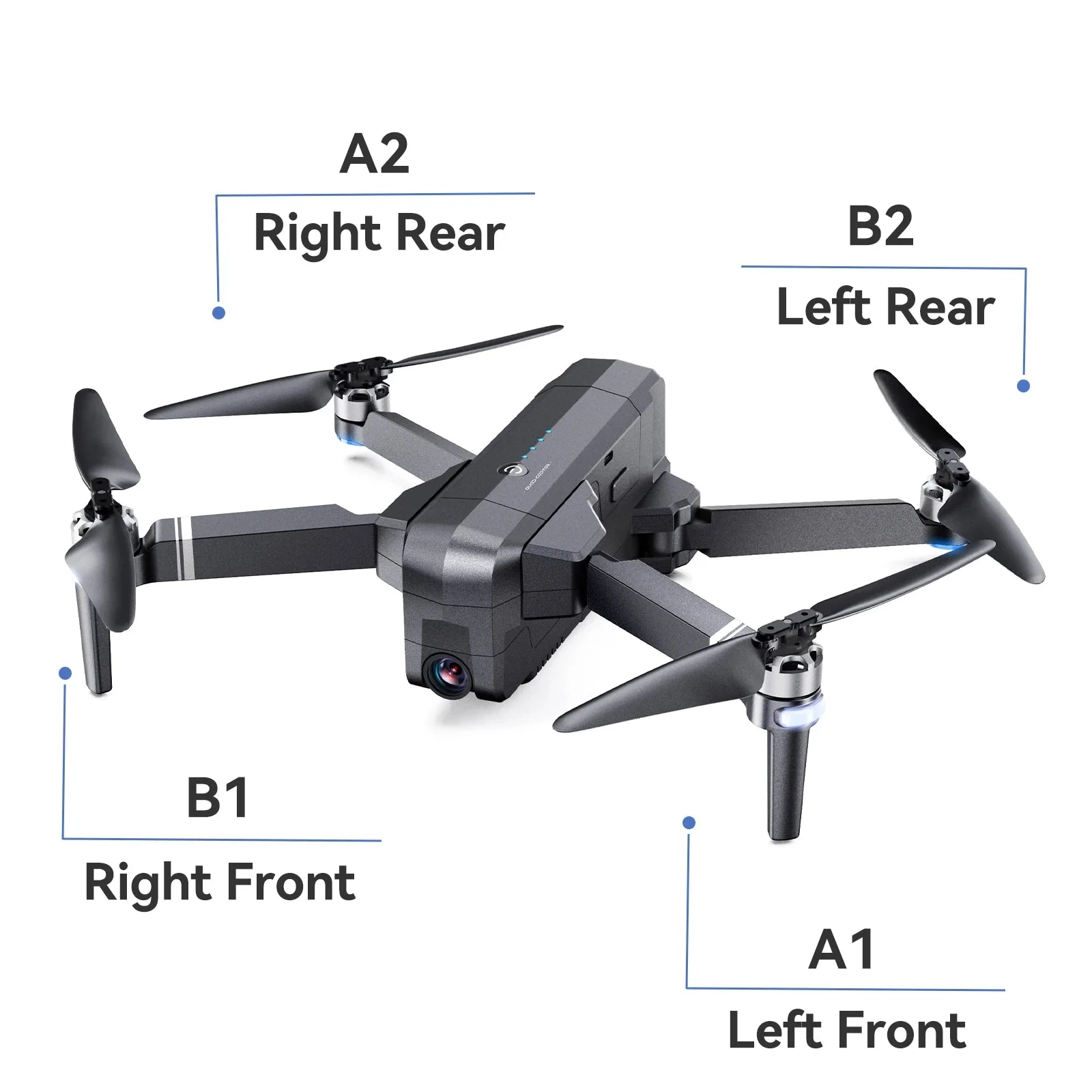
The complete drone.

Product information

Package Dimensions
3.07 x 1.97 x 0.94 inches
Item Weight
0.317 ounces
Special Feature
Compact
Included Components
Drone Landing Gear
Skill Level
All
Control Type
Remote Control
Are Batteries Included
No
Remote Control Included?
Yes
Batteries
1 Lithium Ion batteries required. (included)
Manufacturer
Ruko

How to Replace Drone Landing Gears

Ruko F11/F11 Pro/F11Gim2 Drone Landing Gear

Step1

Prepare all the replacements.

Ruko F11/F11 Pro/F11Gim2 Drone Landing Gear

Step2

Loosen the 3 screws on the bottom.

Ruko F11/F11 Pro/F11Gim2 Drone Landing Gear

Step3

Remove the broken landing gear.

Ruko F11/F11 Pro/F11Gim2 Drone Landing Gear

Step4

Install the new landing gear, tighten the 3 screws on the drone arm.

Ruko F11/F11 Pro/F11Gim2 Drone Landing Gear

Step5

Use a small screwdriver to open the light cover.

Ruko F11/F11 Pro/F11Gim2 Drone Landing Gear

Step6

Remove the broken light cover.

Ruko F11/F11 Pro/F11Gim2 Drone Landing Gear

Step7

Install the new light cover, pay attention to align the buckles.

Ruko F11/F11 Pro/F11Gim2 Drone Landing Gear

Step8

The installation is finished.

Ruko F11/F11 Pro/F11Gim2 Drone Landing Gear

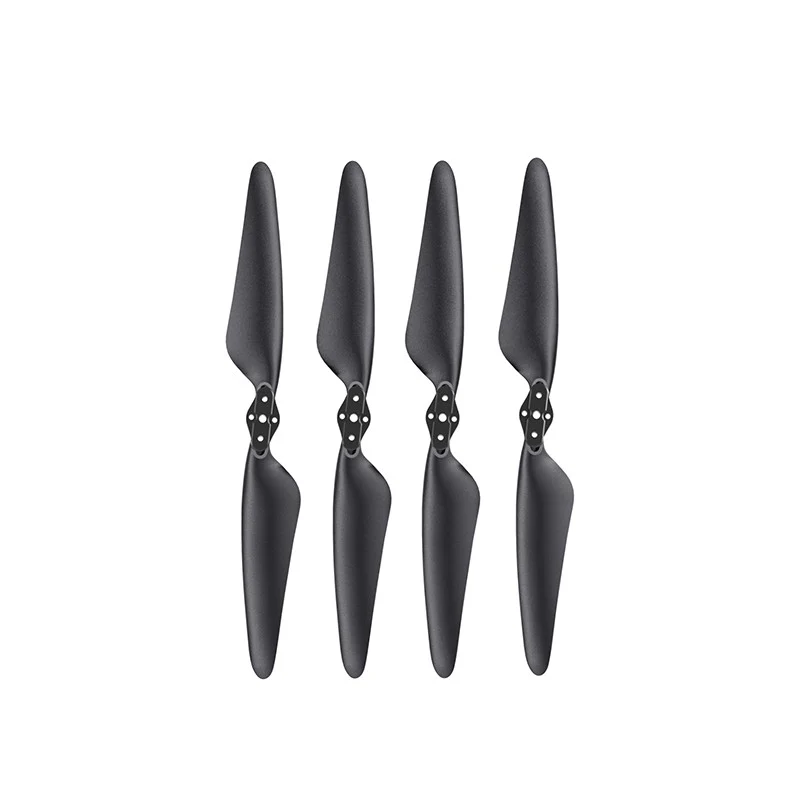
Step9

The complete drone.

Product information

Package Dimensions
3.07 x 1.97 x 0.94 inches
Item Weight
0.317 ounces
Special Feature
Compact
Included Components
Drone Landing Gear
Skill Level
All
Control Type
Remote Control
Are Batteries Included
No
Remote Control Included?
Yes
Batteries
1 Lithium Ion batteries required. (included)
Manufacturer
Ruko
$7.00

Original: $19.99

-65%
Ruko F11GIM2 & F11GIM & F11PRO & F11 Landing Gear

$19.99

$7.00

Description

How to Replace Drone Landing Gears

Ruko F11/F11 Pro/F11Gim2 Drone Landing Gear

Step1

Prepare all the replacements.

Ruko F11/F11 Pro/F11Gim2 Drone Landing Gear

Step2

Loosen the 3 screws on the bottom.

Ruko F11/F11 Pro/F11Gim2 Drone Landing Gear

Step3

Remove the broken landing gear.

Ruko F11/F11 Pro/F11Gim2 Drone Landing Gear

Step4

Install the new landing gear, tighten the 3 screws on the drone arm.

Ruko F11/F11 Pro/F11Gim2 Drone Landing Gear

Step5

Use a small screwdriver to open the light cover.

Ruko F11/F11 Pro/F11Gim2 Drone Landing Gear

Step6

Remove the broken light cover.

Ruko F11/F11 Pro/F11Gim2 Drone Landing Gear

Step7

Install the new light cover, pay attention to align the buckles.

Ruko F11/F11 Pro/F11Gim2 Drone Landing Gear

Step8

The installation is finished.

Ruko F11/F11 Pro/F11Gim2 Drone Landing Gear

Step9

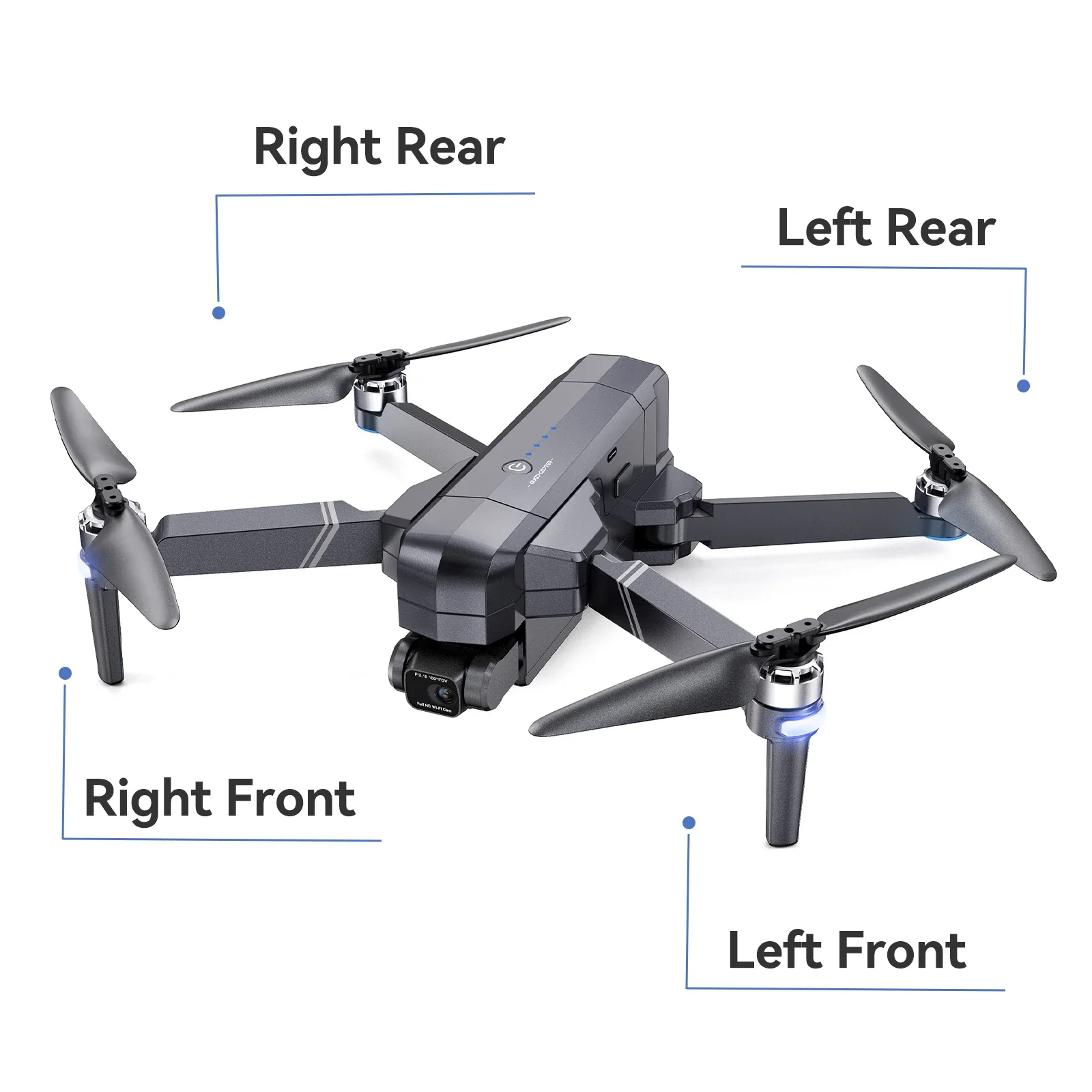
The complete drone.

Product information

Package Dimensions
3.07 x 1.97 x 0.94 inches
Item Weight
0.317 ounces
Special Feature
Compact
Included Components
Drone Landing Gear
Skill Level
All
Control Type
Remote Control
Are Batteries Included
No
Remote Control Included?
Yes
Batteries
1 Lithium Ion batteries required. (included)
Manufacturer
Ruko
Ruko F11GIM2 & F11GIM & F11PRO & F11 Landing Gear | Ruko