1 / 6
+1
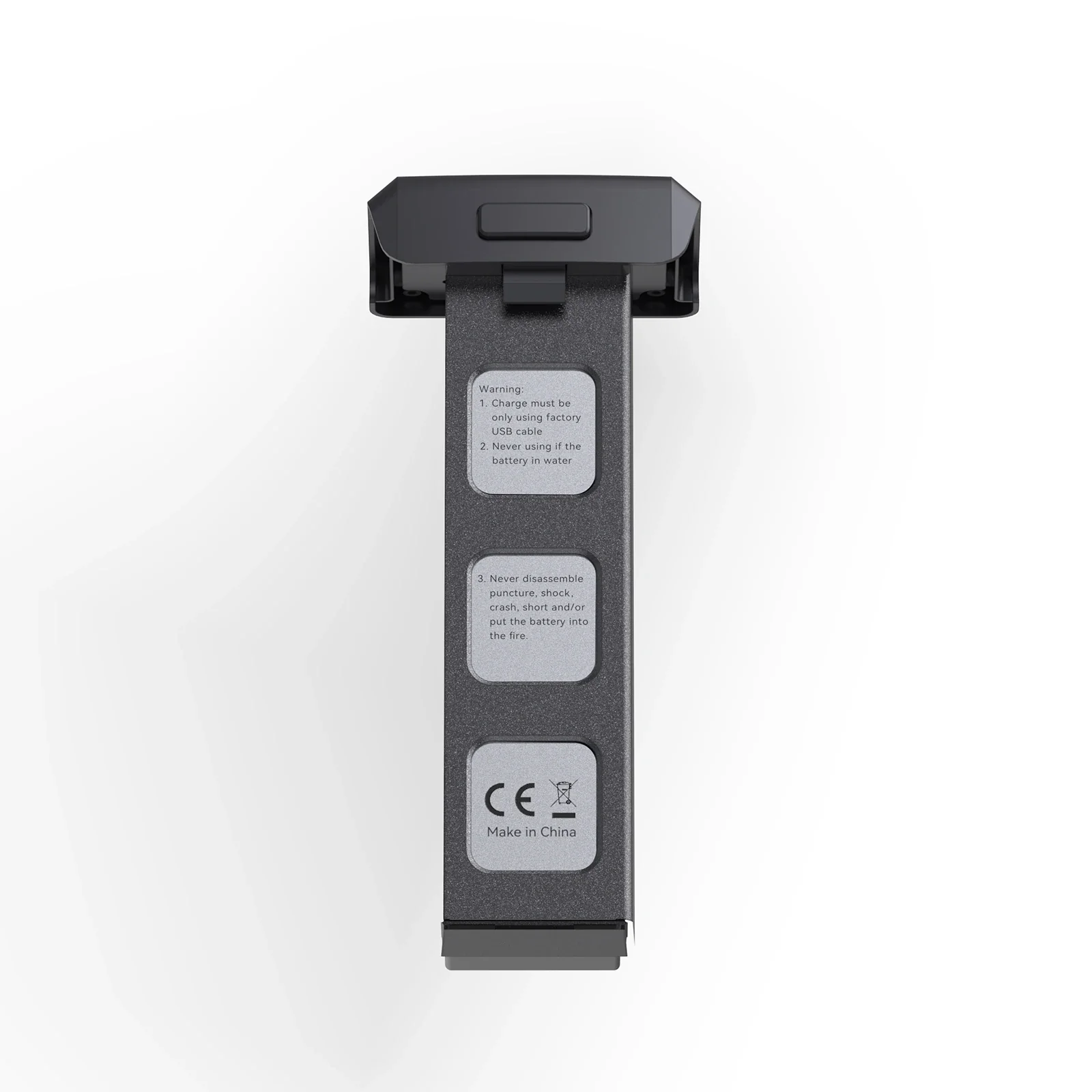
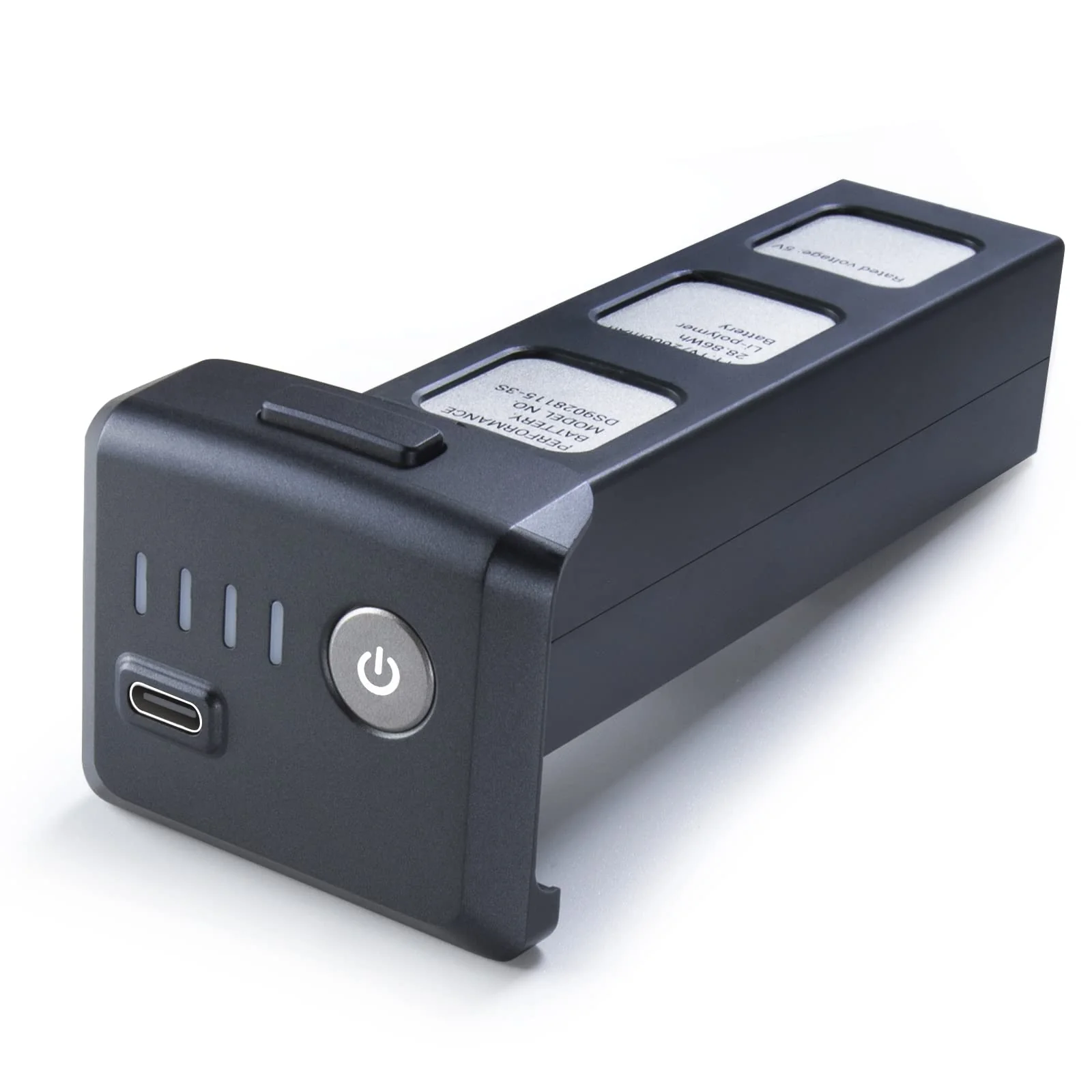
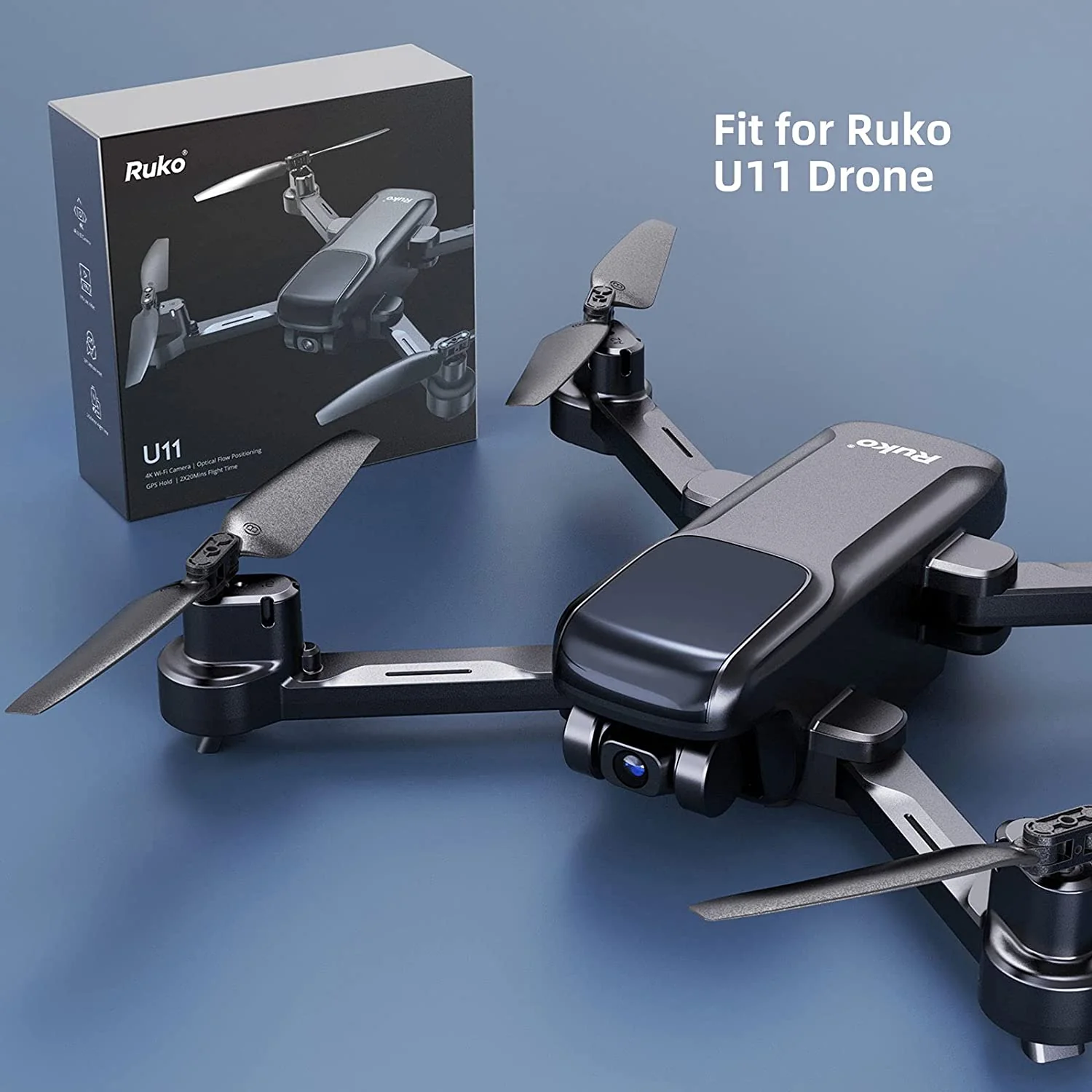
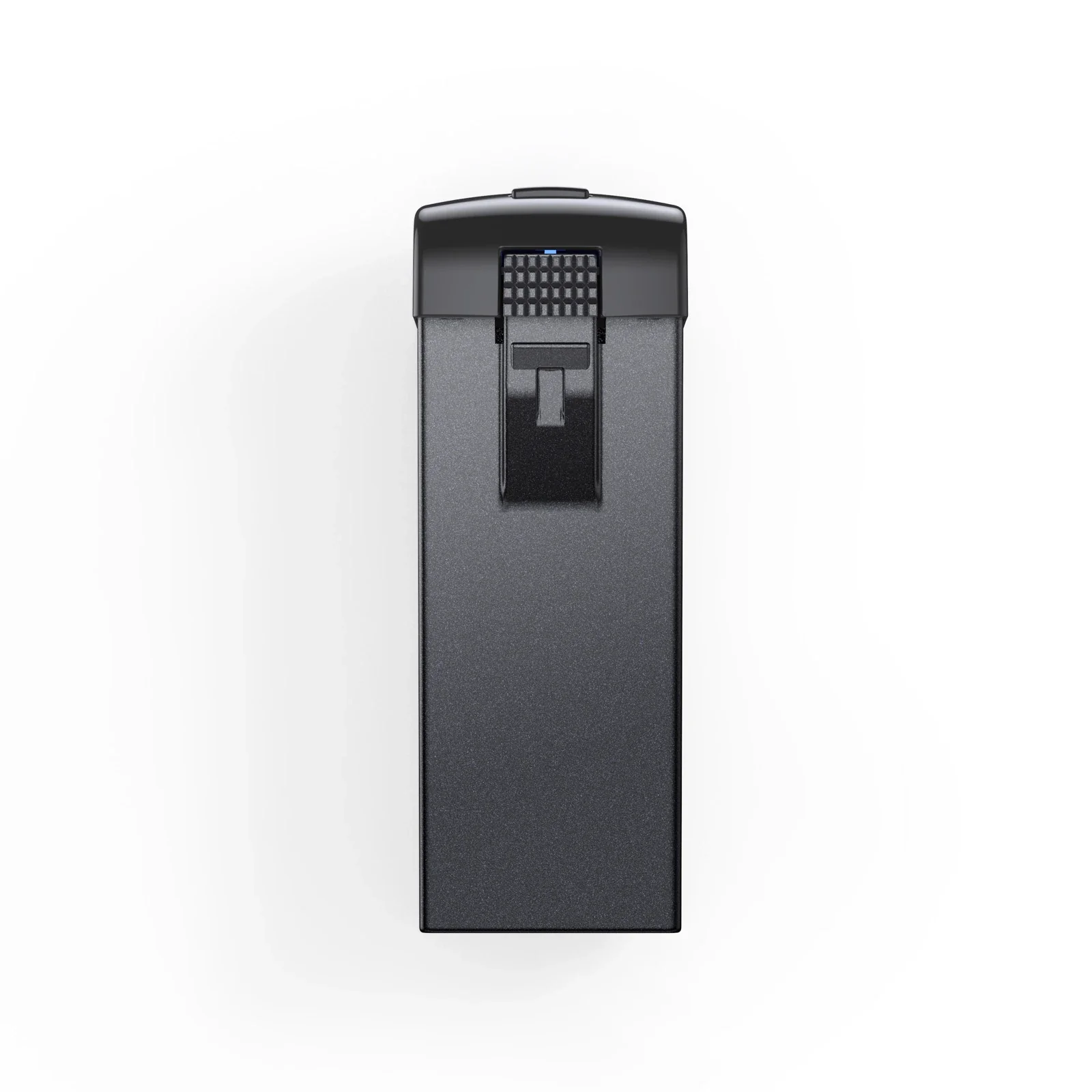
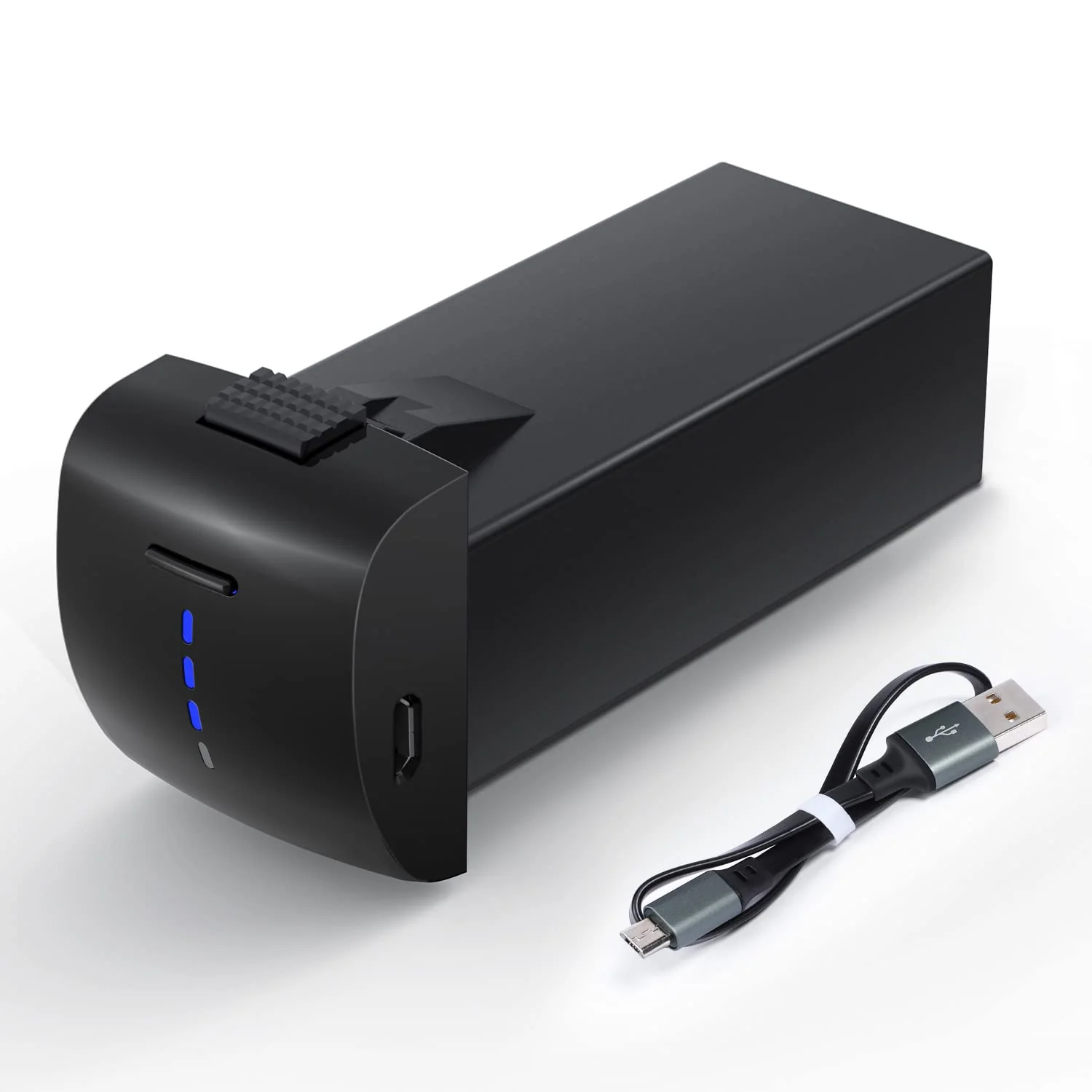
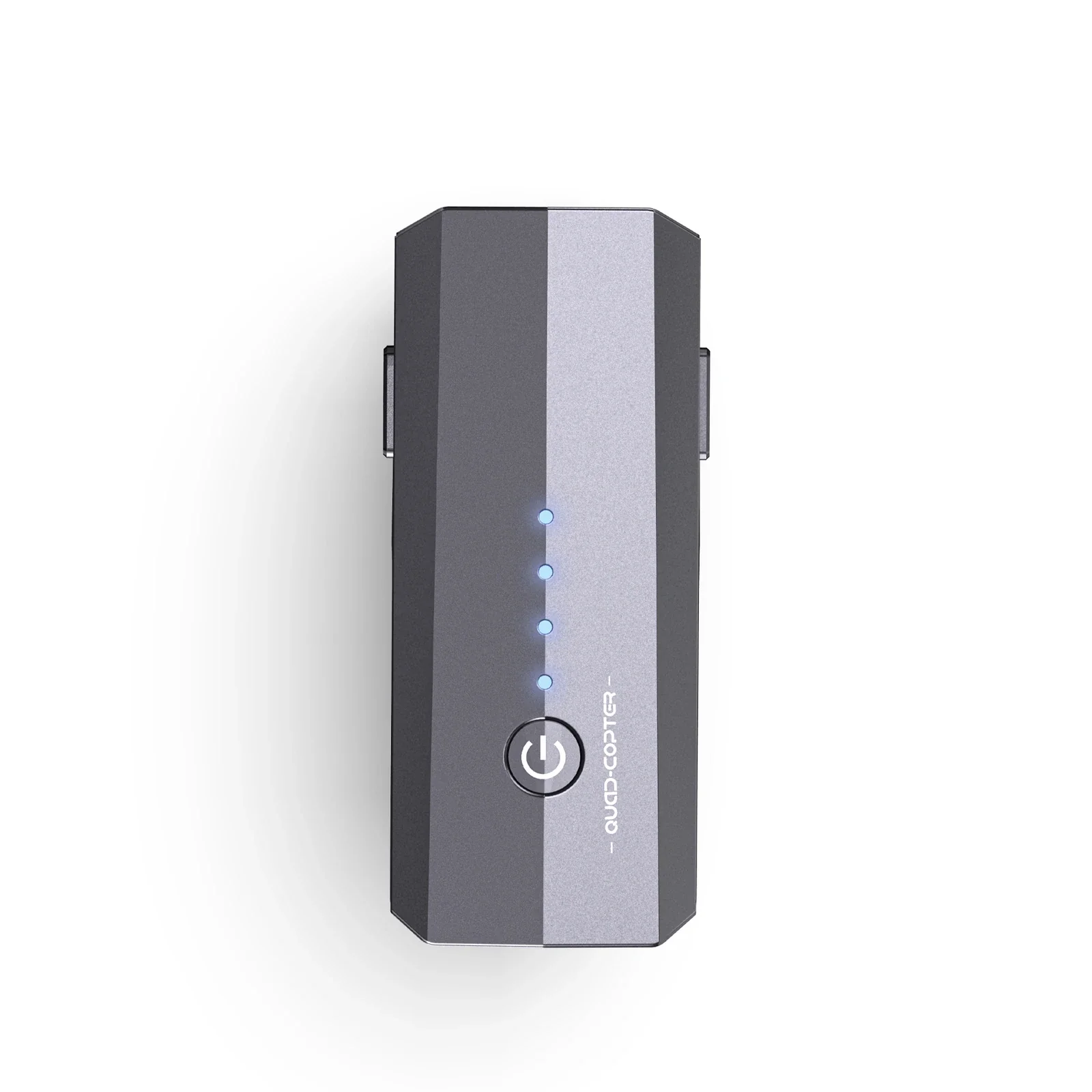
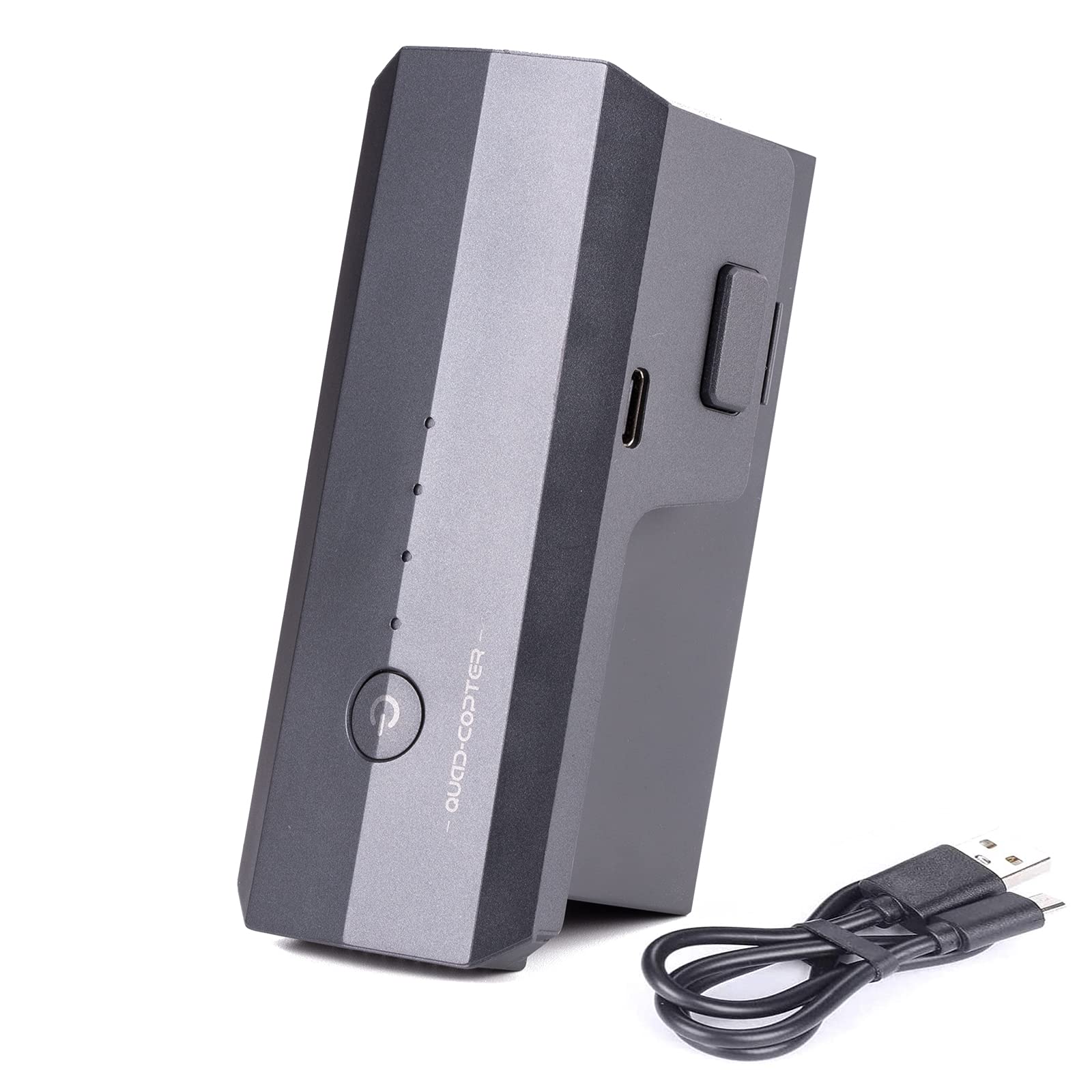
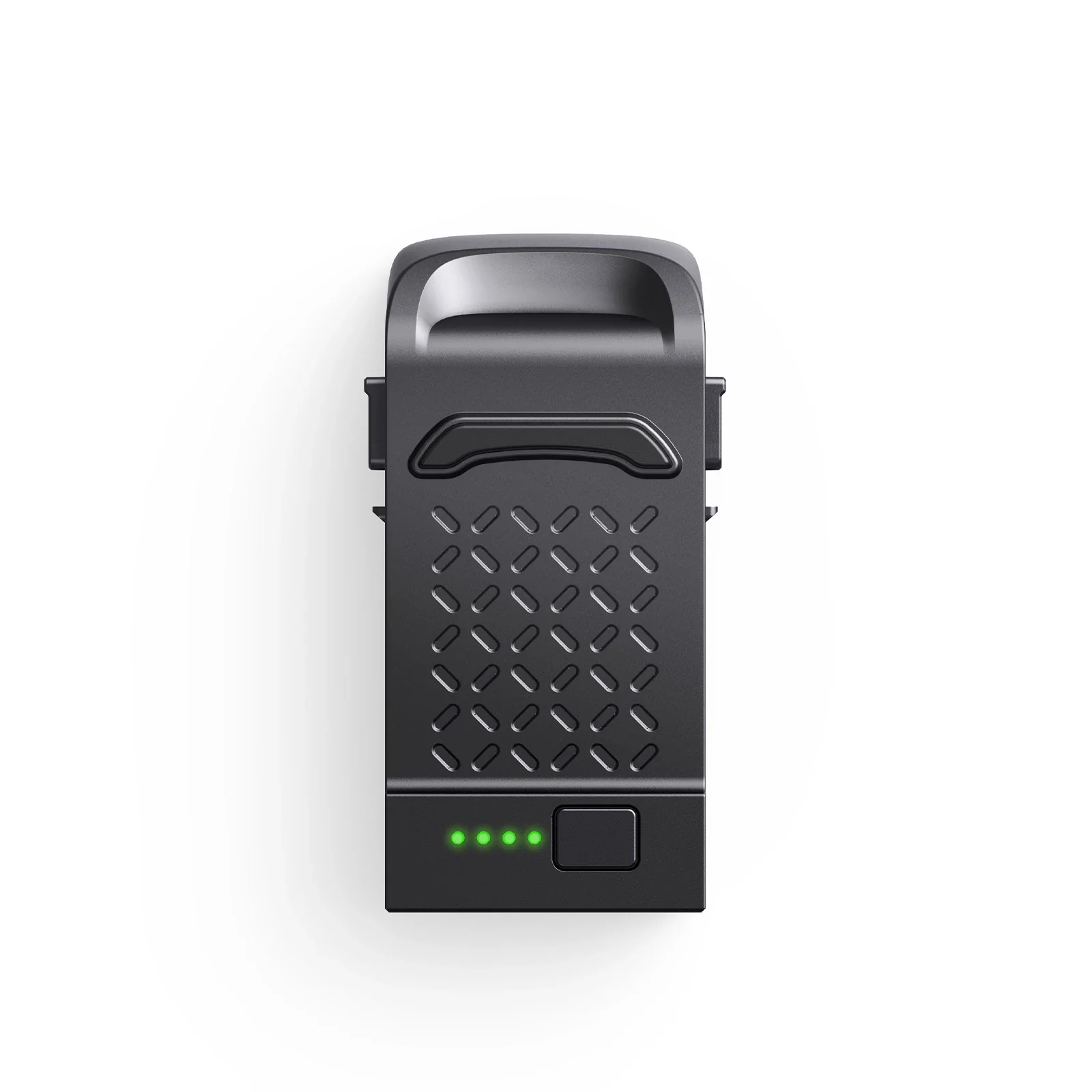
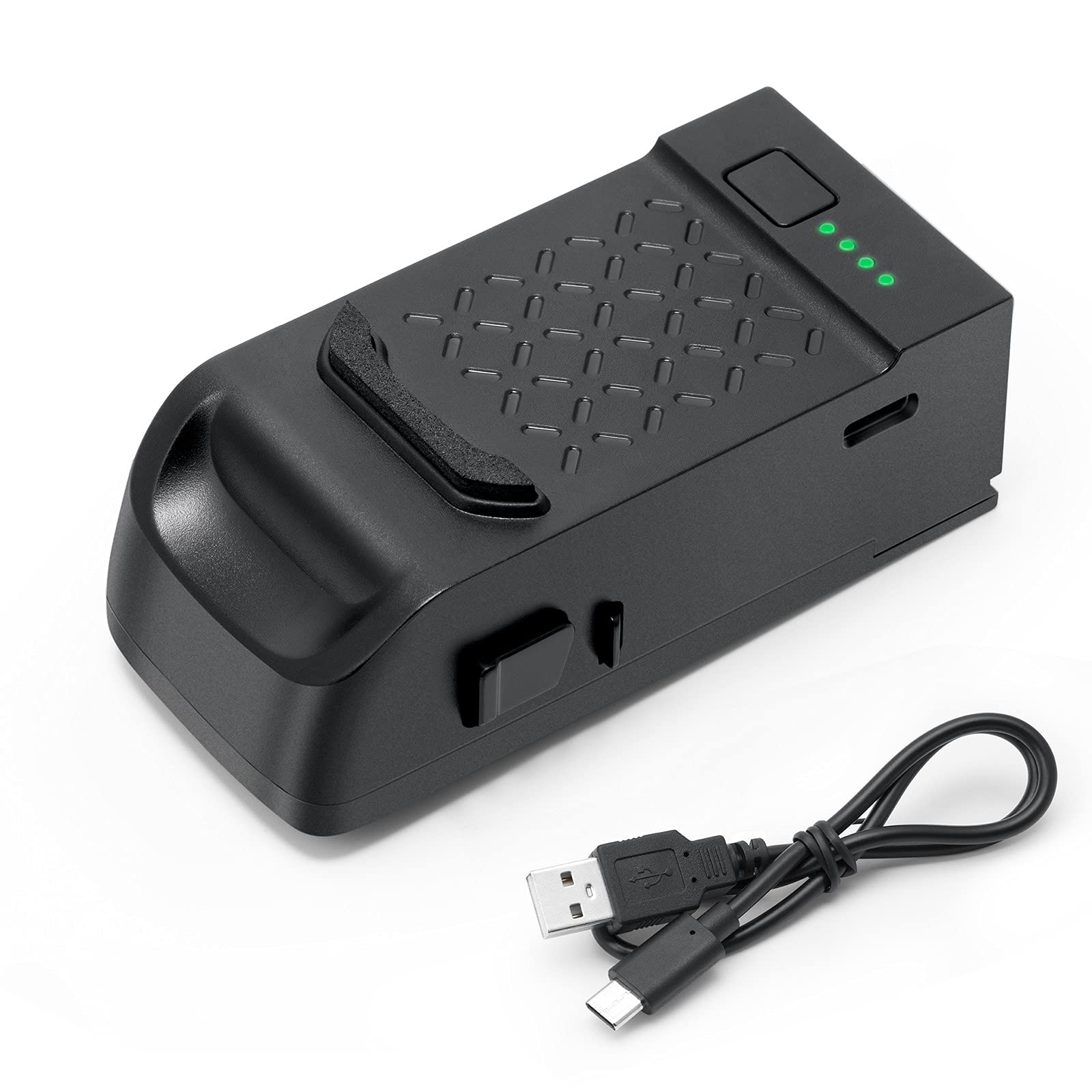
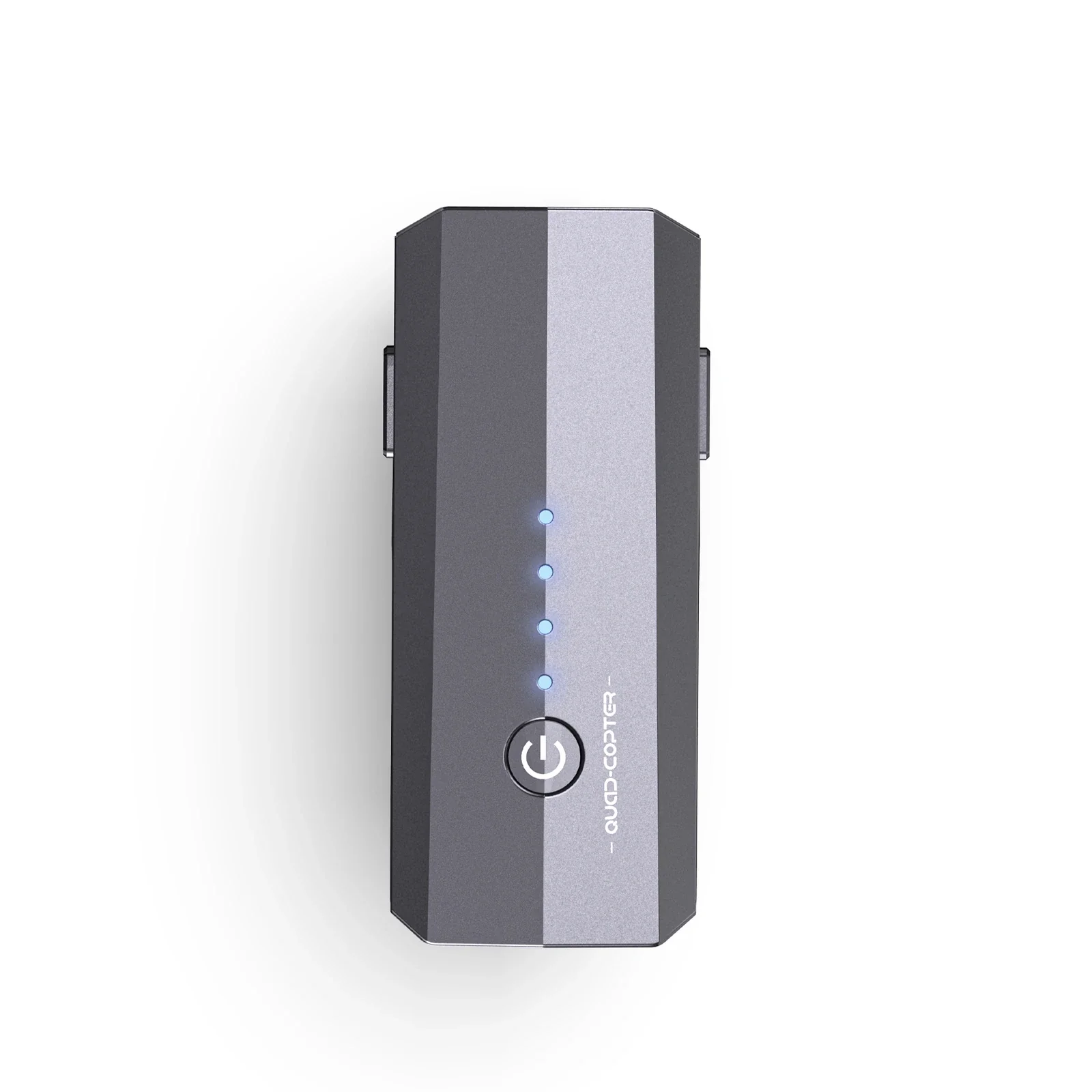
Ruko F11 & F11PRO Intelligent Flight Battery
How to Replace the Battery

1. Find the exhausted battery.

2. Take out the exhausted battery.

3. Prepare the new full charged battery.

4. Put it into the drone.

5. Check whether the battery is fixed.

6. Completed.
Product information
Package Dimensions
4.37 x 2.36 x 2.09 inches
Item Weight
6.8 ounces
Batteries
1 Lithium Ion batteries required. (included)
How to Replace the Battery
1. Find the exhausted battery.
2. Take out the exhausted battery.
3. Prepare the new full charged battery.
4. Put it into the drone.
5. Check whether the battery is fixed.
6. Completed.
Product information
Package Dimensions
4.37 x 2.36 x 2.09 inches
Item Weight
6.8 ounces
Batteries
1 Lithium Ion batteries required. (included)
$69.99
Ruko F11 & F11PRO Intelligent Flight Battery—
$69.99
Description
How to Replace the Battery
1. Find the exhausted battery.
2. Take out the exhausted battery.
3. Prepare the new full charged battery.
4. Put it into the drone.
5. Check whether the battery is fixed.
6. Completed.
Product information
Package Dimensions
4.37 x 2.36 x 2.09 inches
Item Weight
6.8 ounces
Batteries
1 Lithium Ion batteries required. (included)