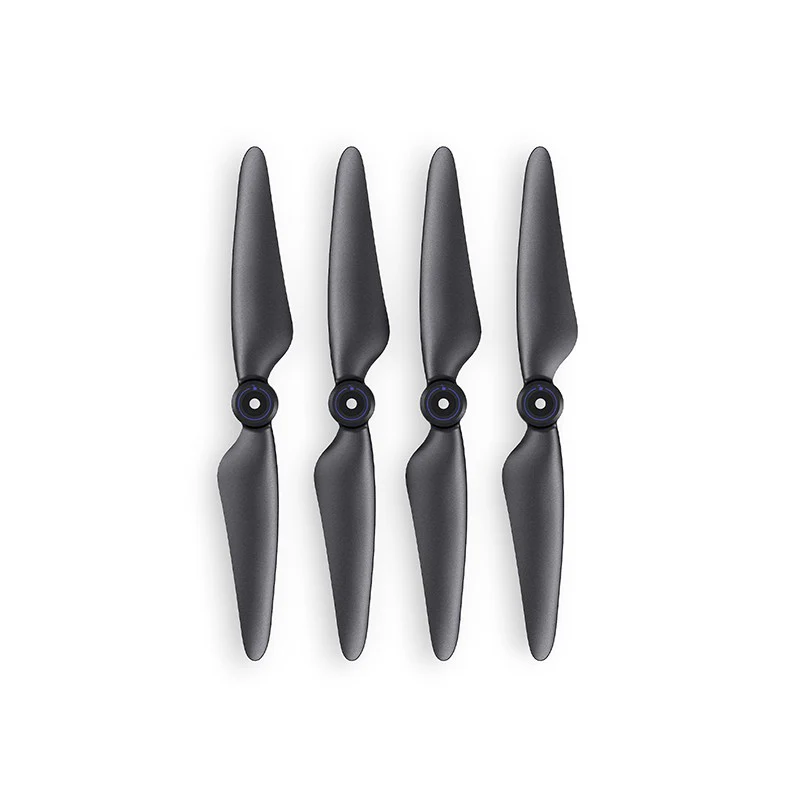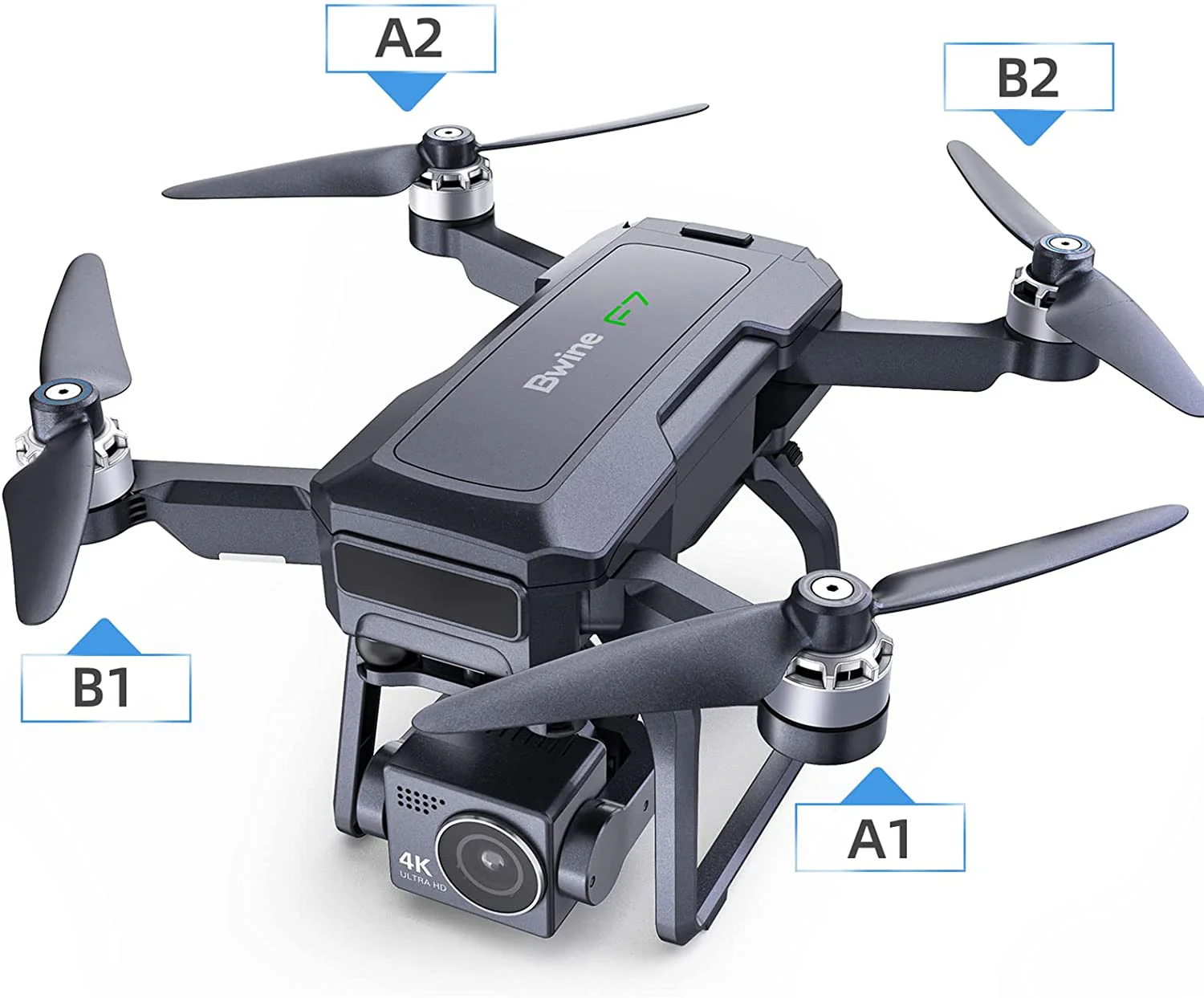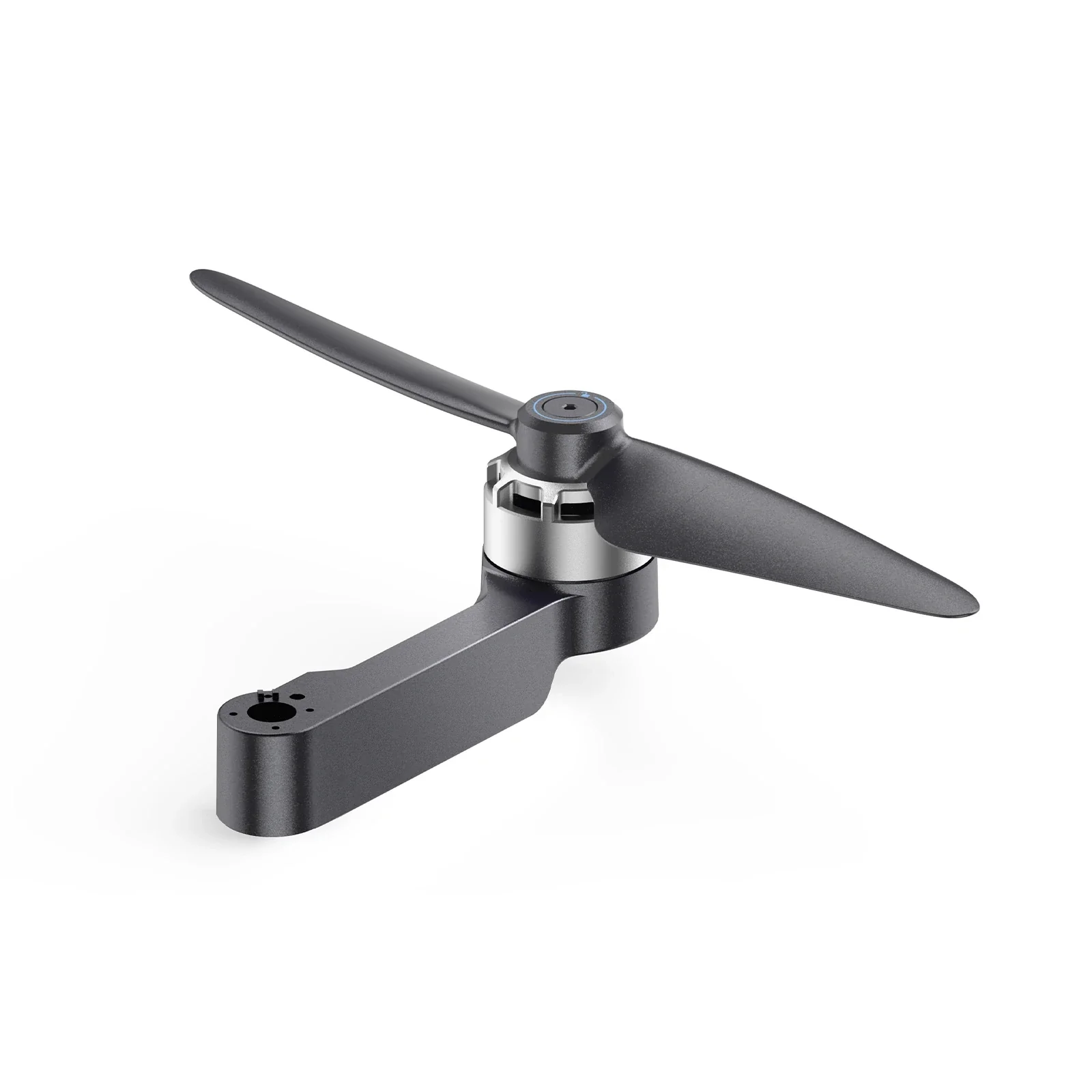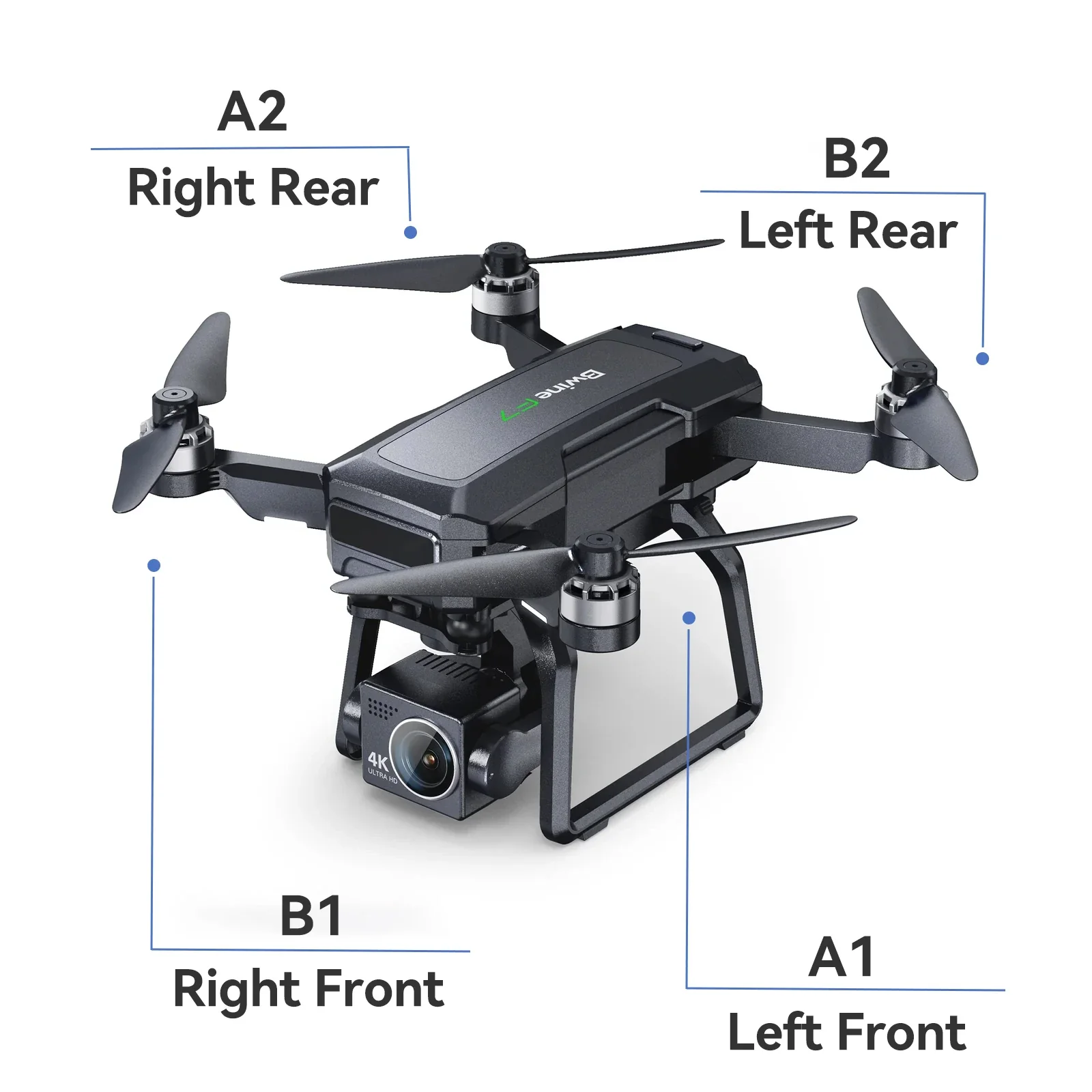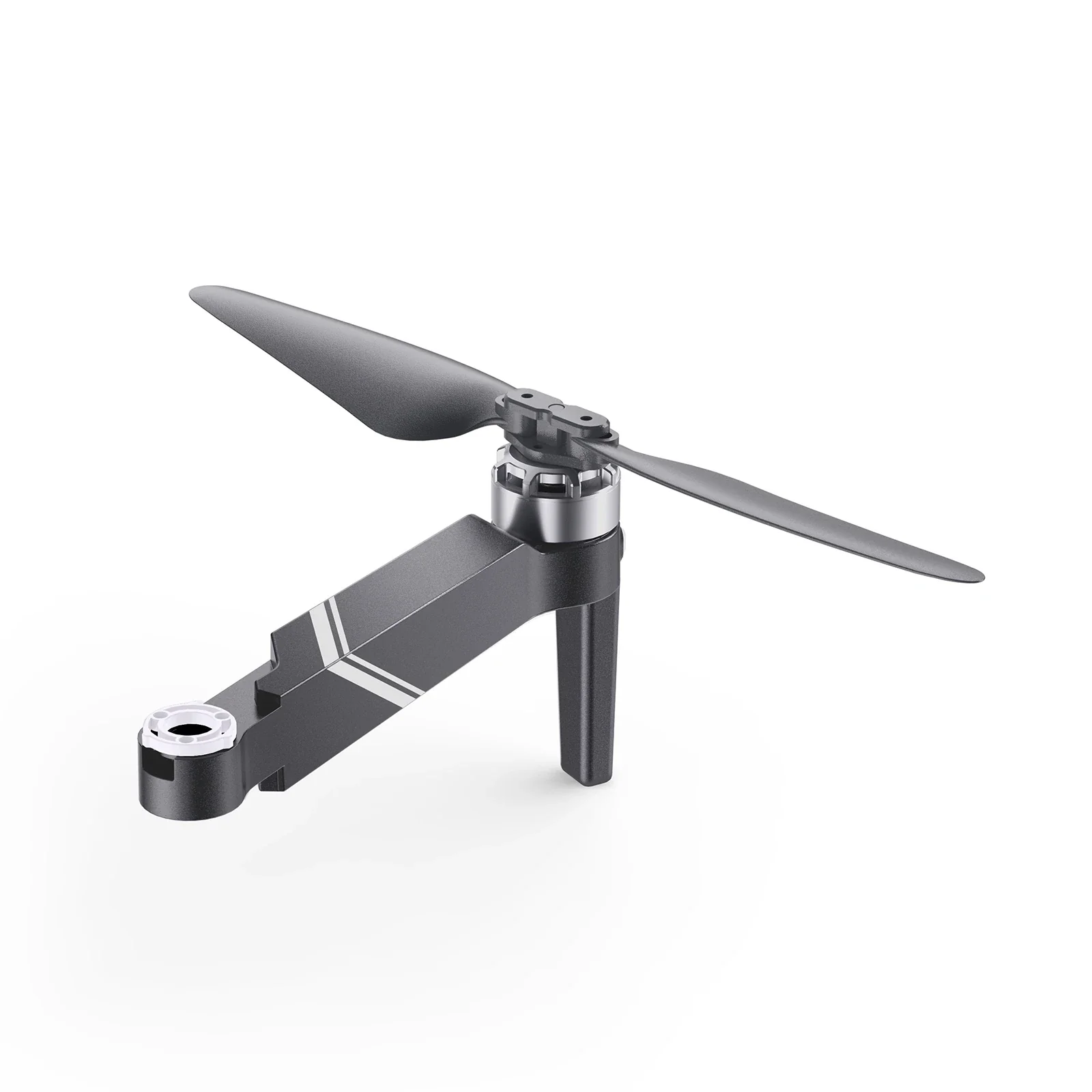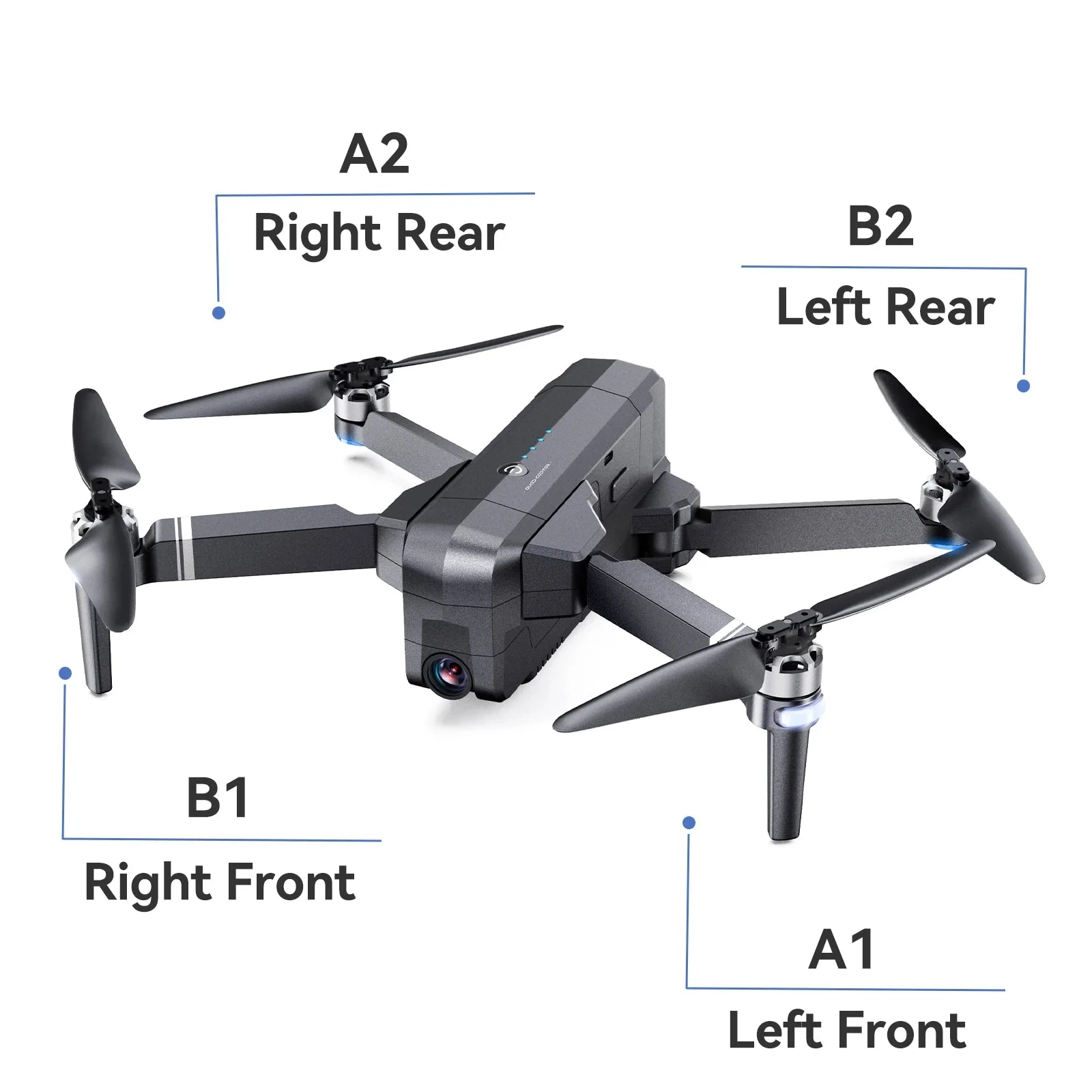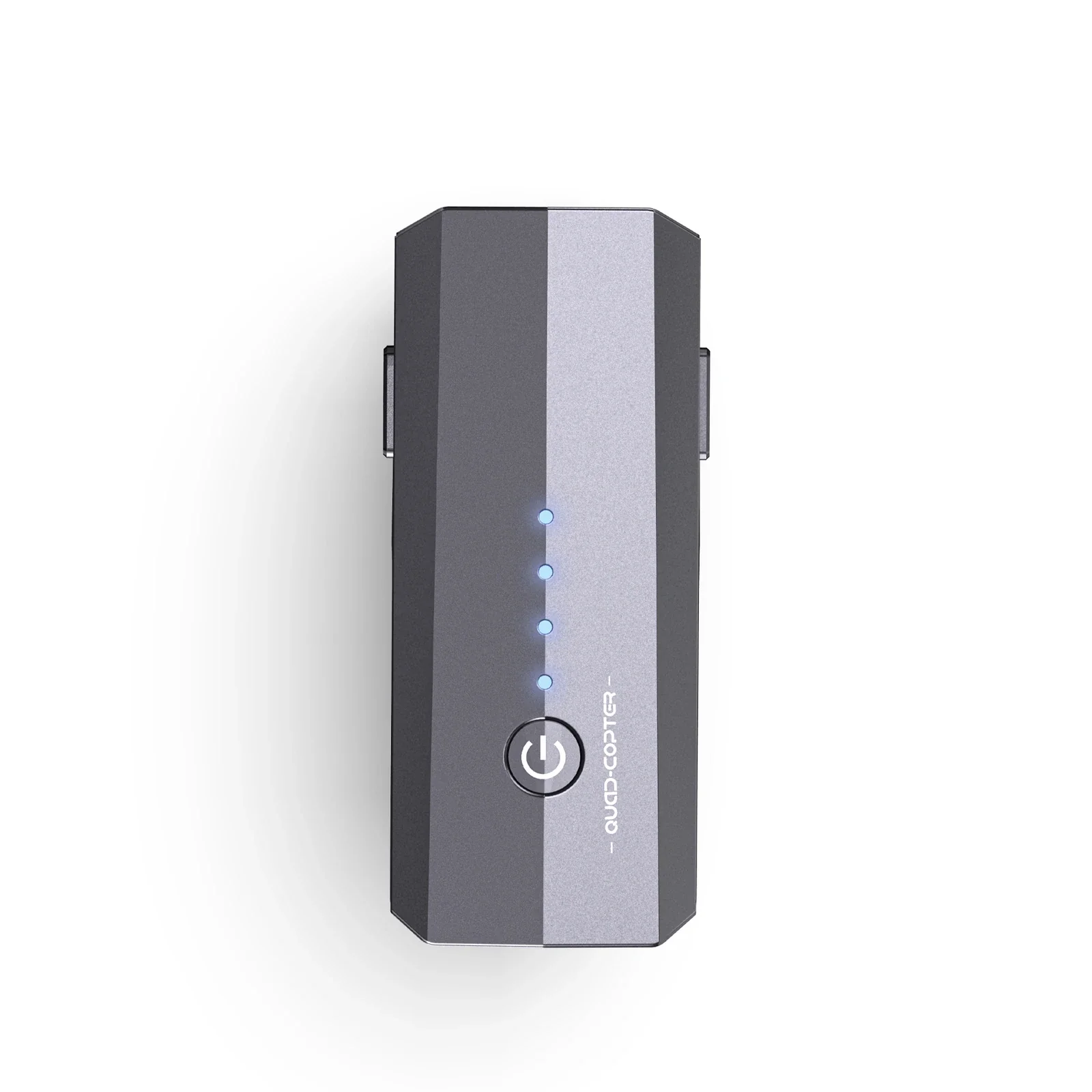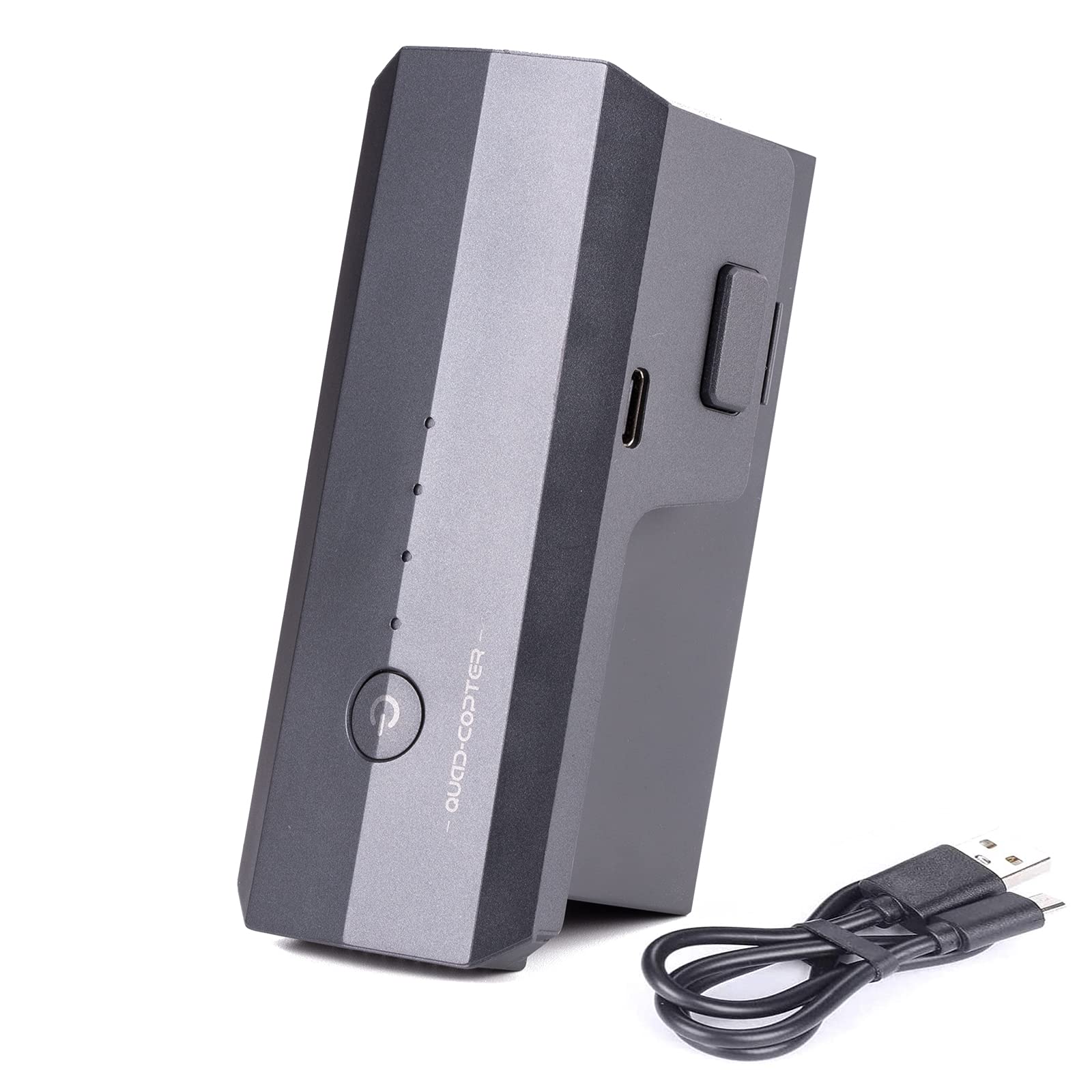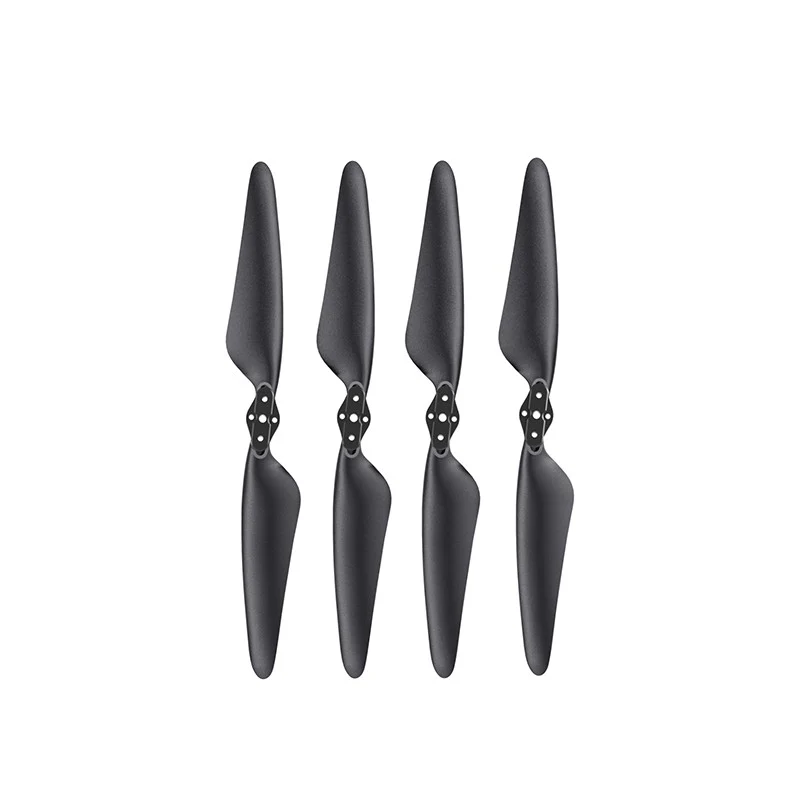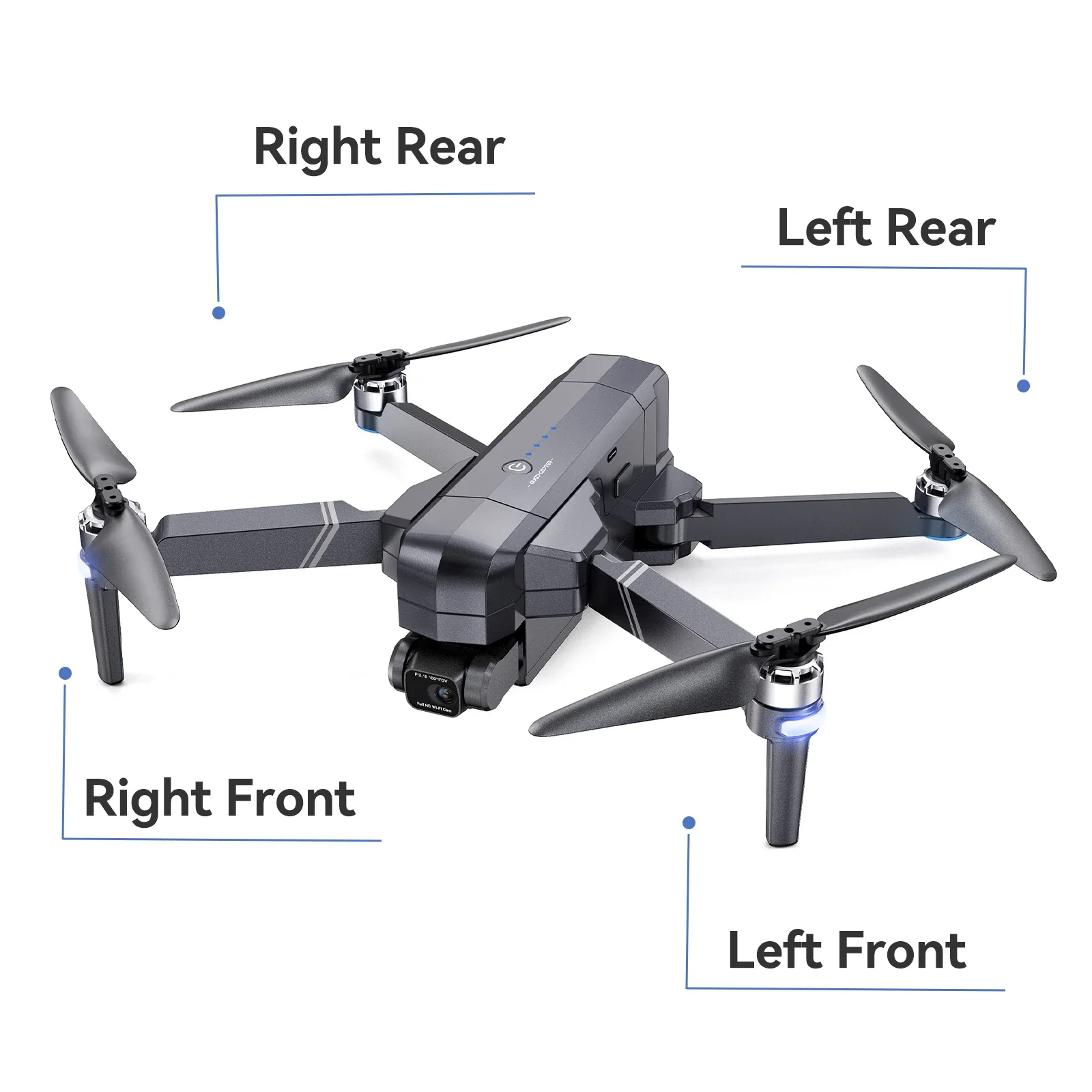
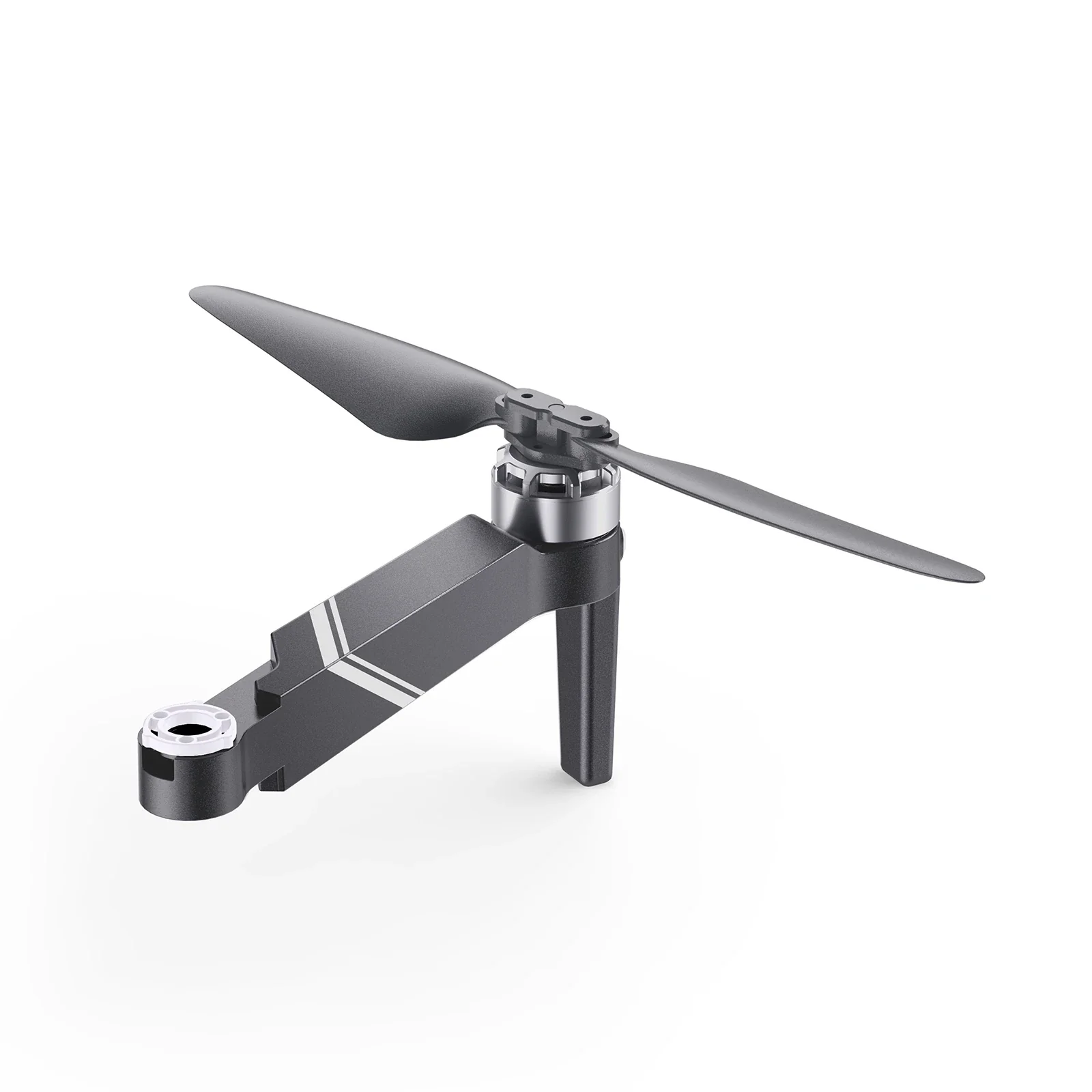
Ruko F11GIM2 & F11GIM Aircraft Arm Kit
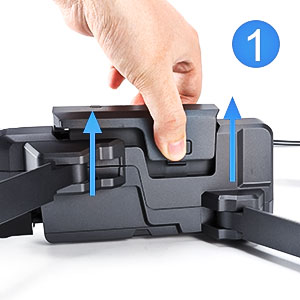
Step1
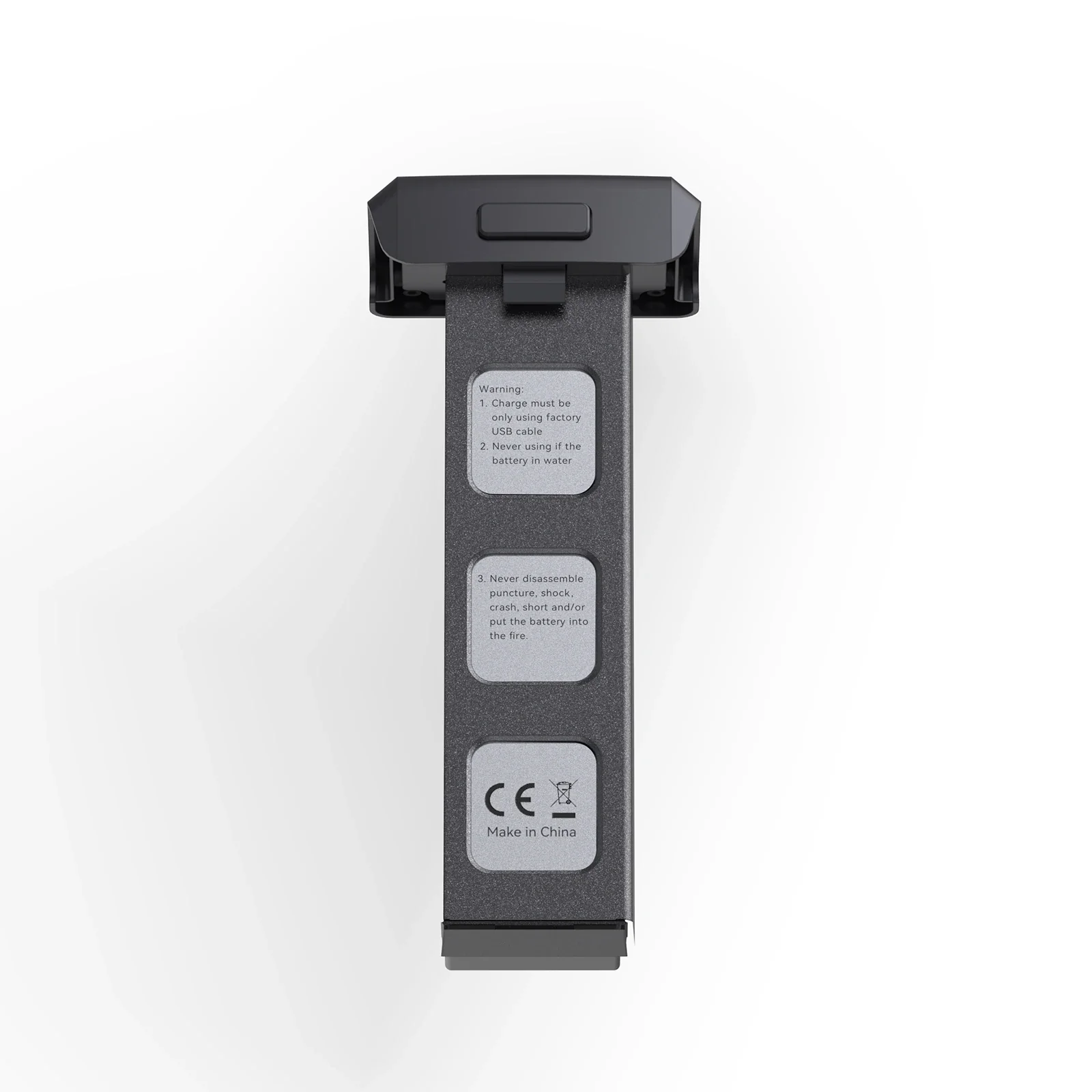
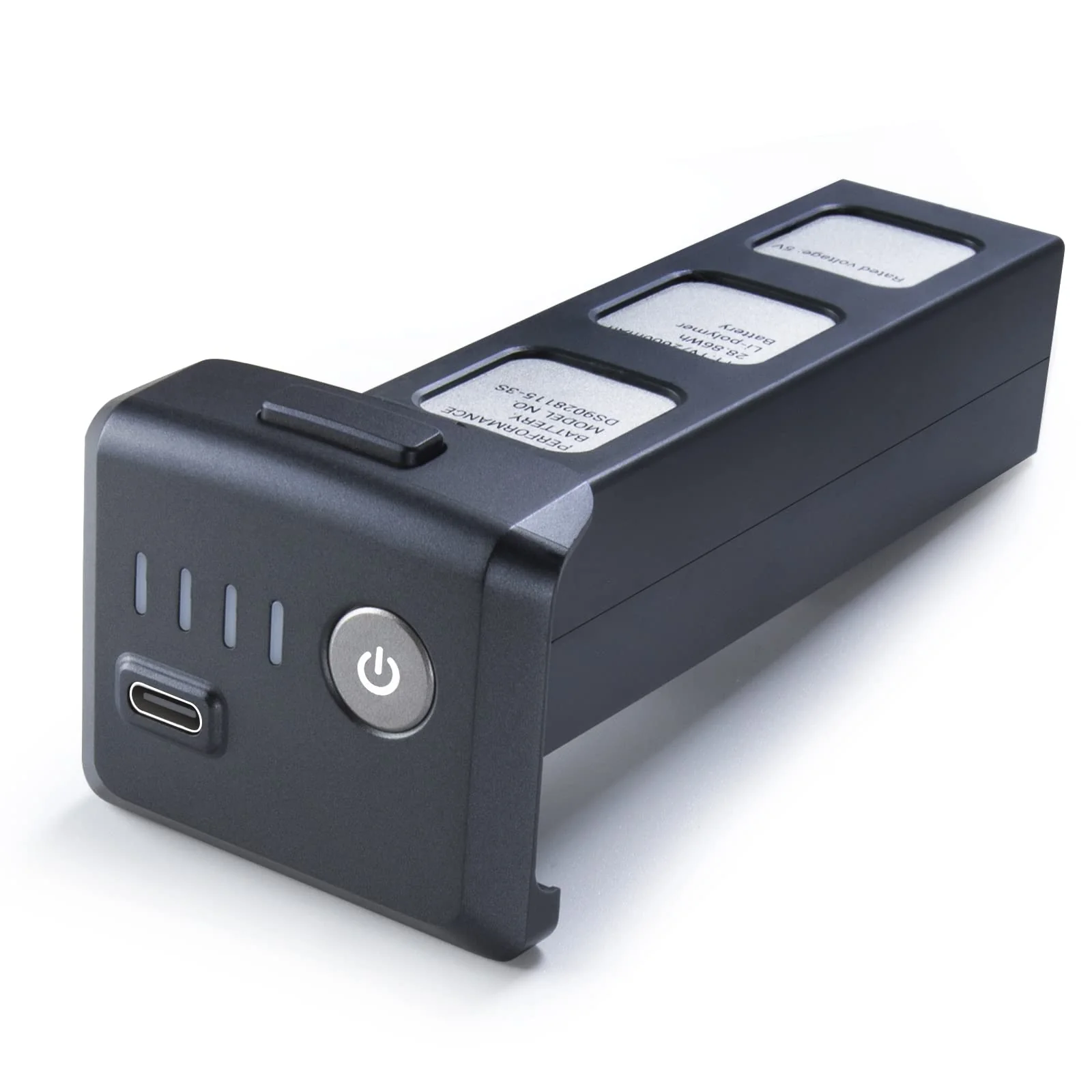
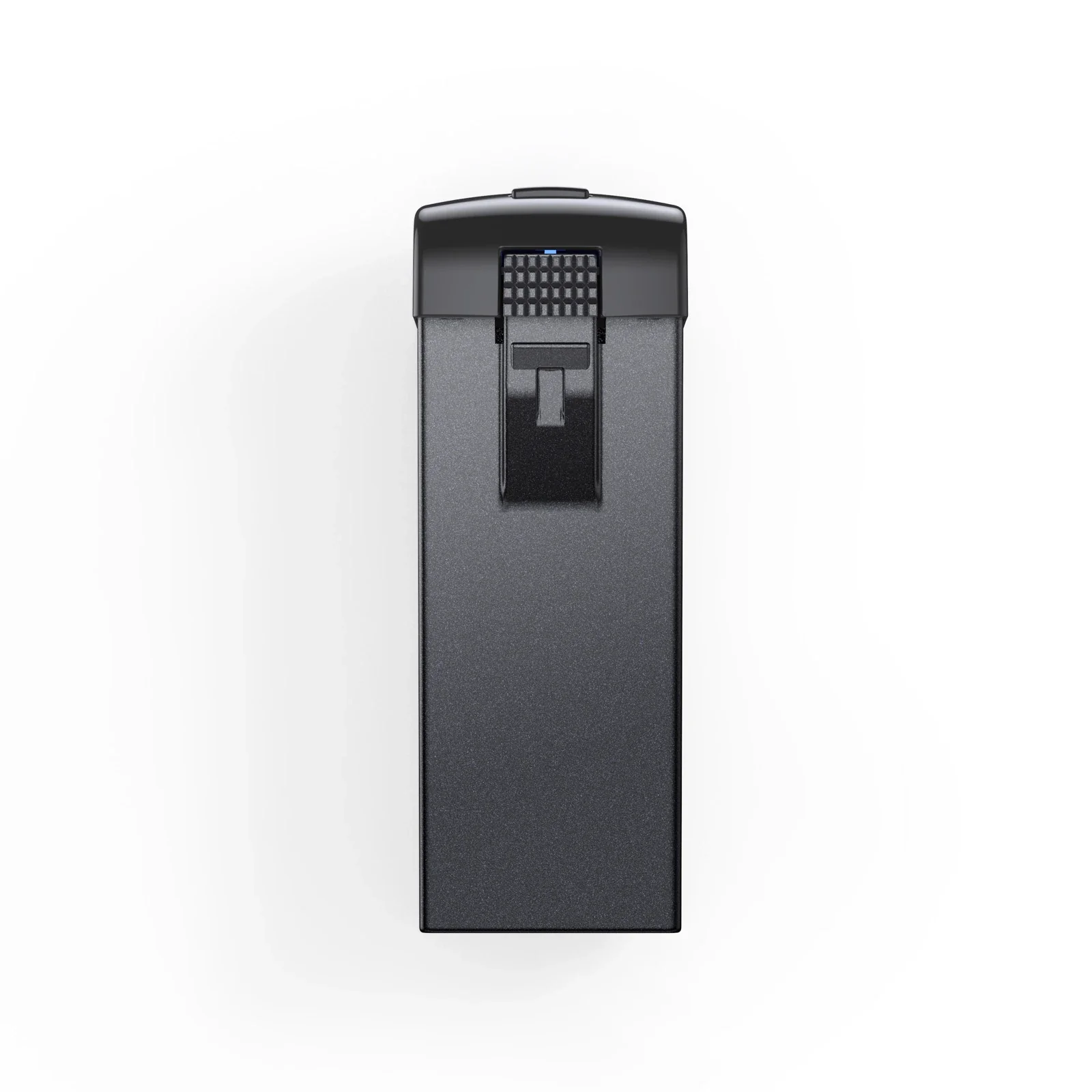
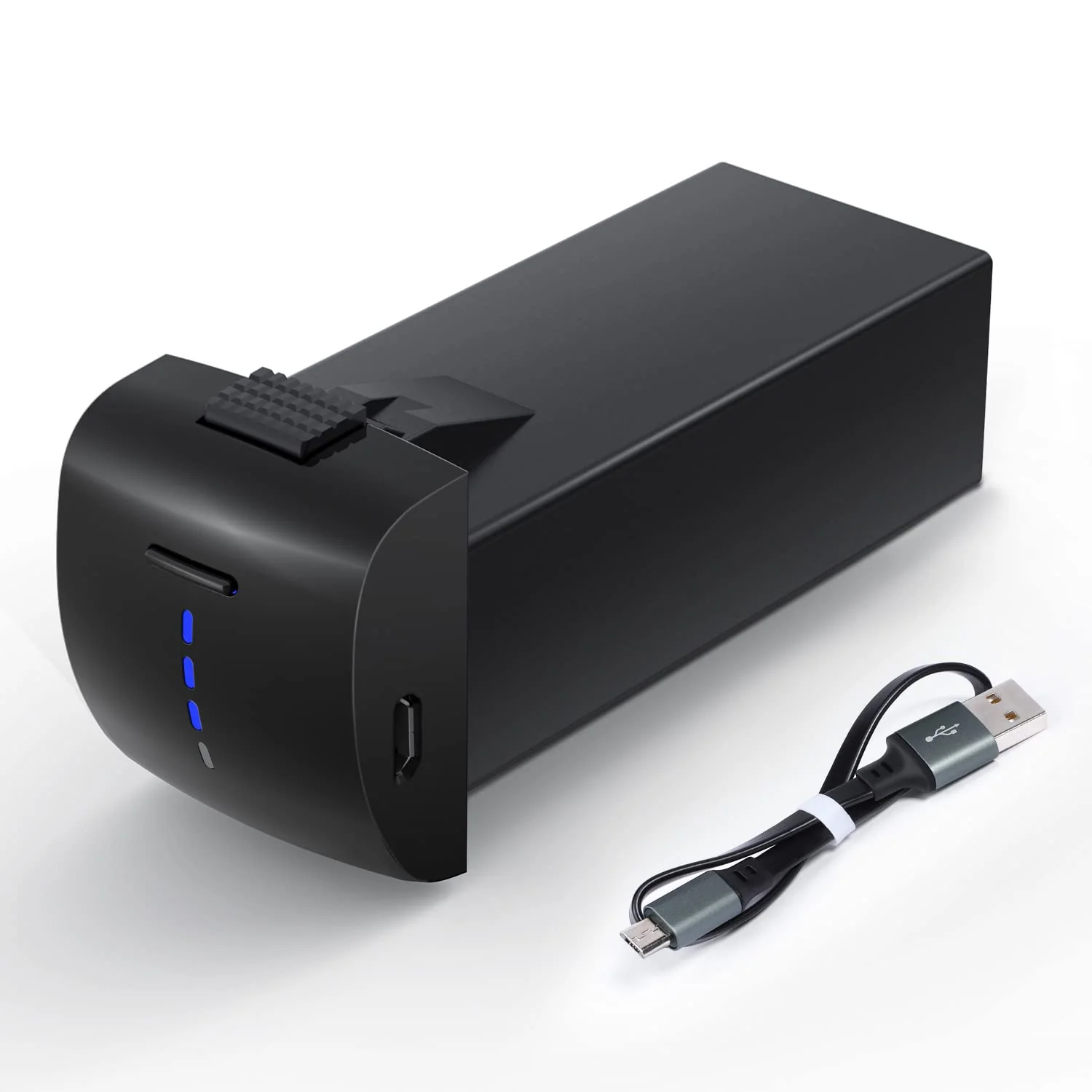
Take out the battery
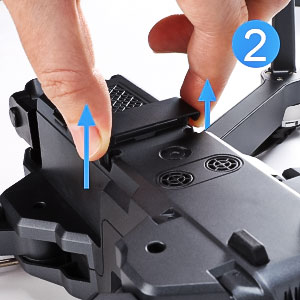
Step2
Remove the cover
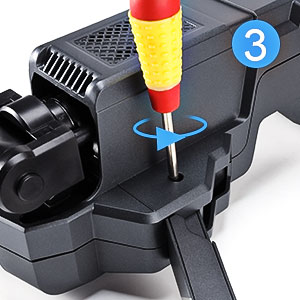
Step3
Loosen the 4 screws of the drone arms.
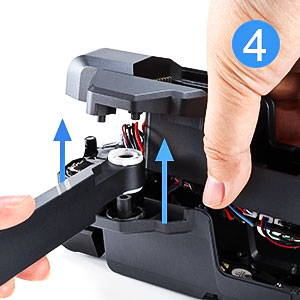
Step4
Press the arms disassemble the chassis carefully.
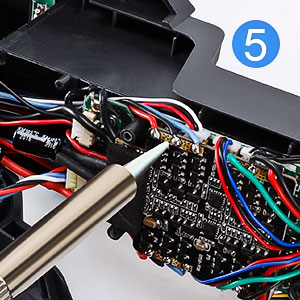
Step5
Use soldering gun kit to disconnect 3 wires of the arm and then connect the new wires and cables to the original location.
(Note: Please mark the location of each wires.)
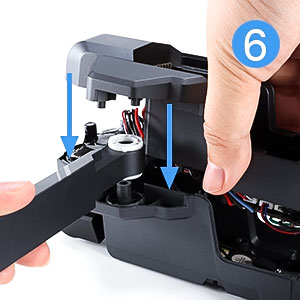
Step6
Reassemble the arms and chassis.
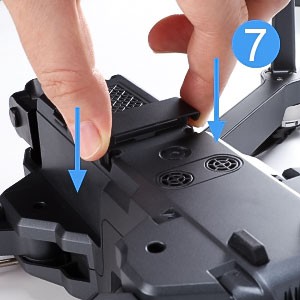
Step7
Put the cover back in place
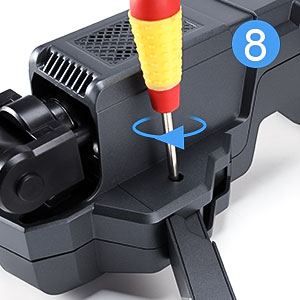
Step8
Install all the screws back.
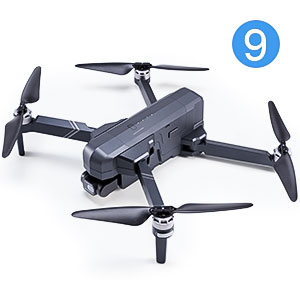
Step9
The installation is finished, refresh your drone.
Product information
Step1
Take out the battery
Step2
Remove the cover
Step3
Loosen the 4 screws of the drone arms.
Step4
Press the arms disassemble the chassis carefully.
Step5
Use soldering gun kit to disconnect 3 wires of the arm and then connect the new wires and cables to the original location.
(Note: Please mark the location of each wires.)
Step6
Reassemble the arms and chassis.
Step7
Put the cover back in place
Step8
Install all the screws back.
Step9
The installation is finished, refresh your drone.
Product information
Original: $29.99
-65%$29.99
$10.50Description
Step1
Take out the battery
Step2
Remove the cover
Step3
Loosen the 4 screws of the drone arms.
Step4
Press the arms disassemble the chassis carefully.
Step5
Use soldering gun kit to disconnect 3 wires of the arm and then connect the new wires and cables to the original location.
(Note: Please mark the location of each wires.)
Step6
Reassemble the arms and chassis.
Step7
Put the cover back in place
Step8
Install all the screws back.
Step9
The installation is finished, refresh your drone.