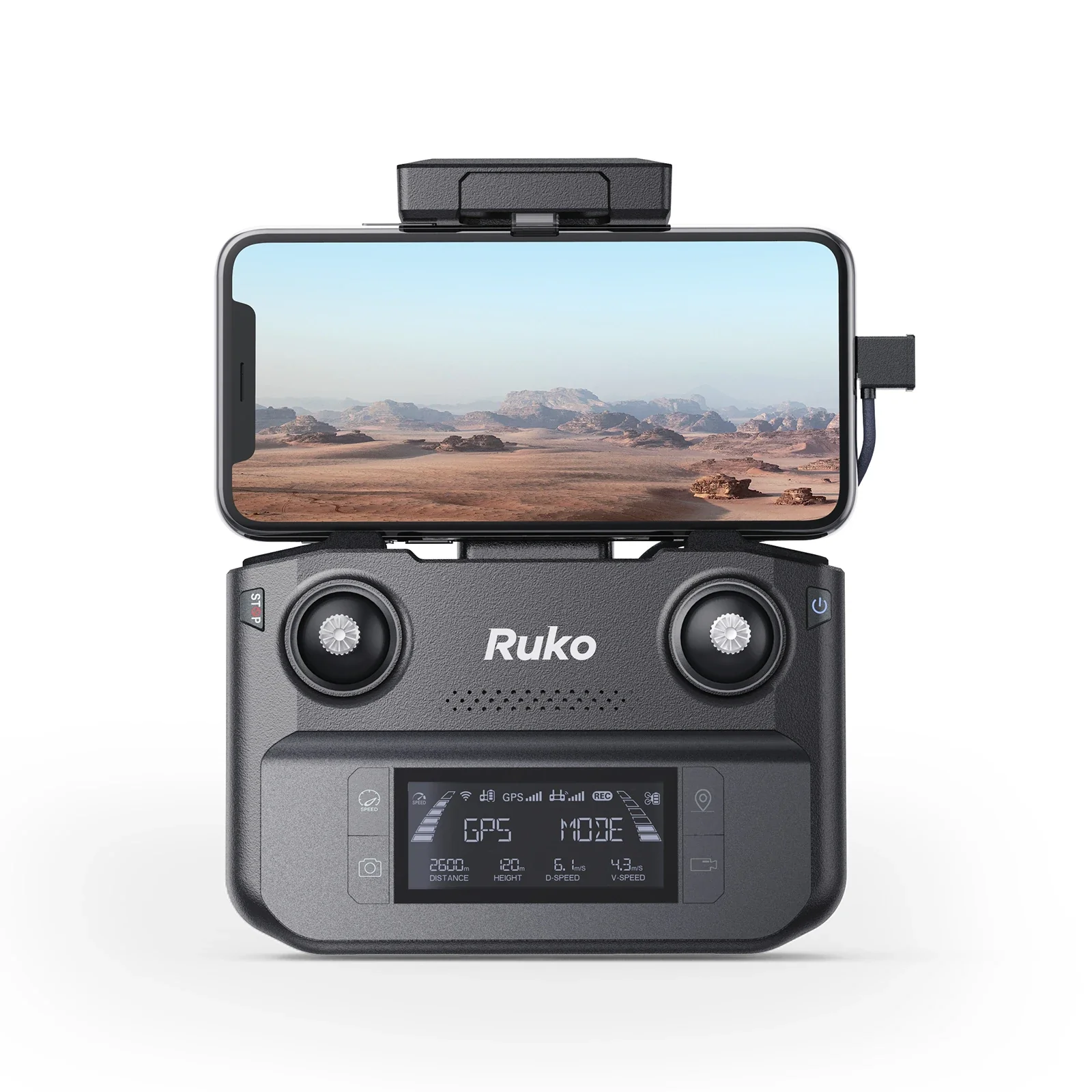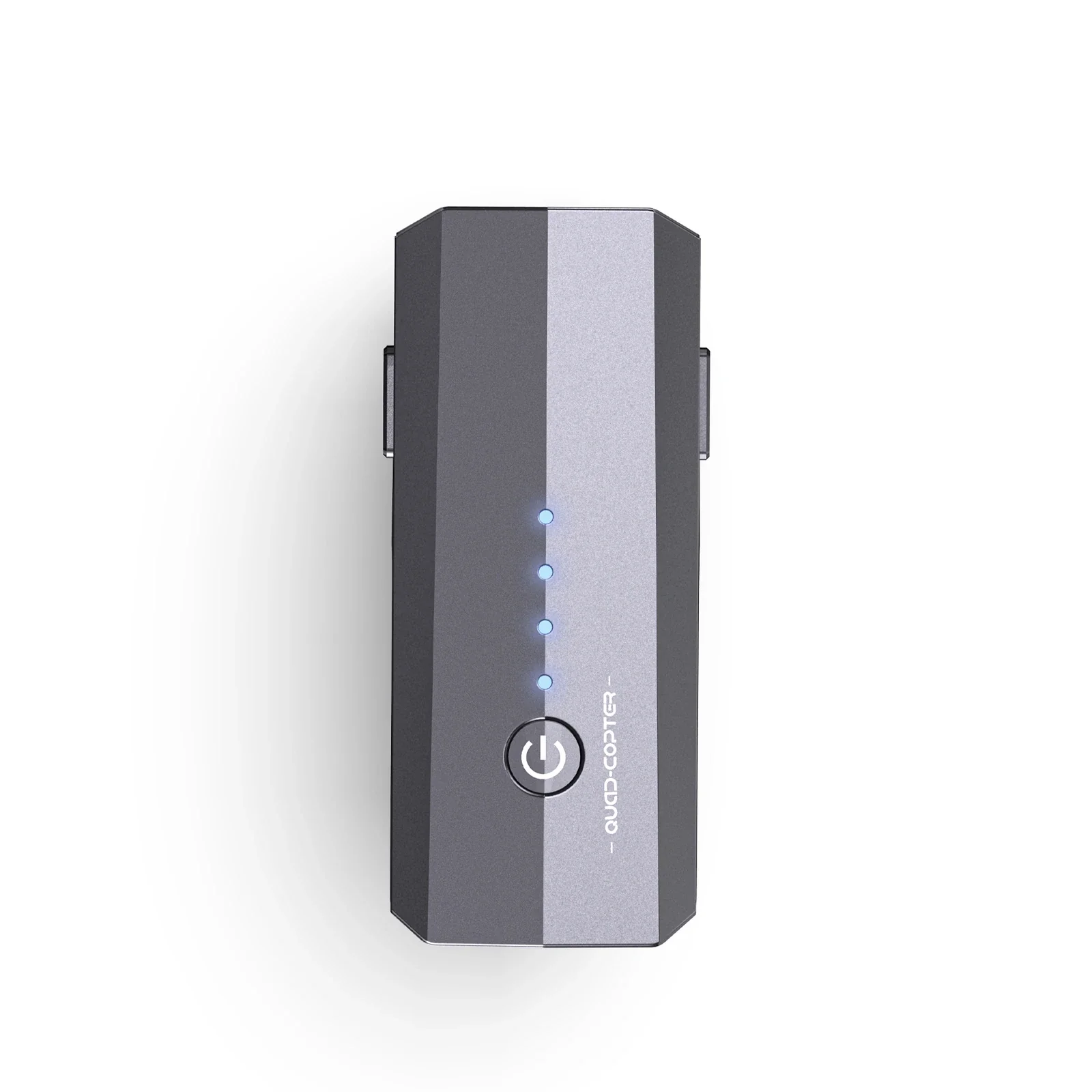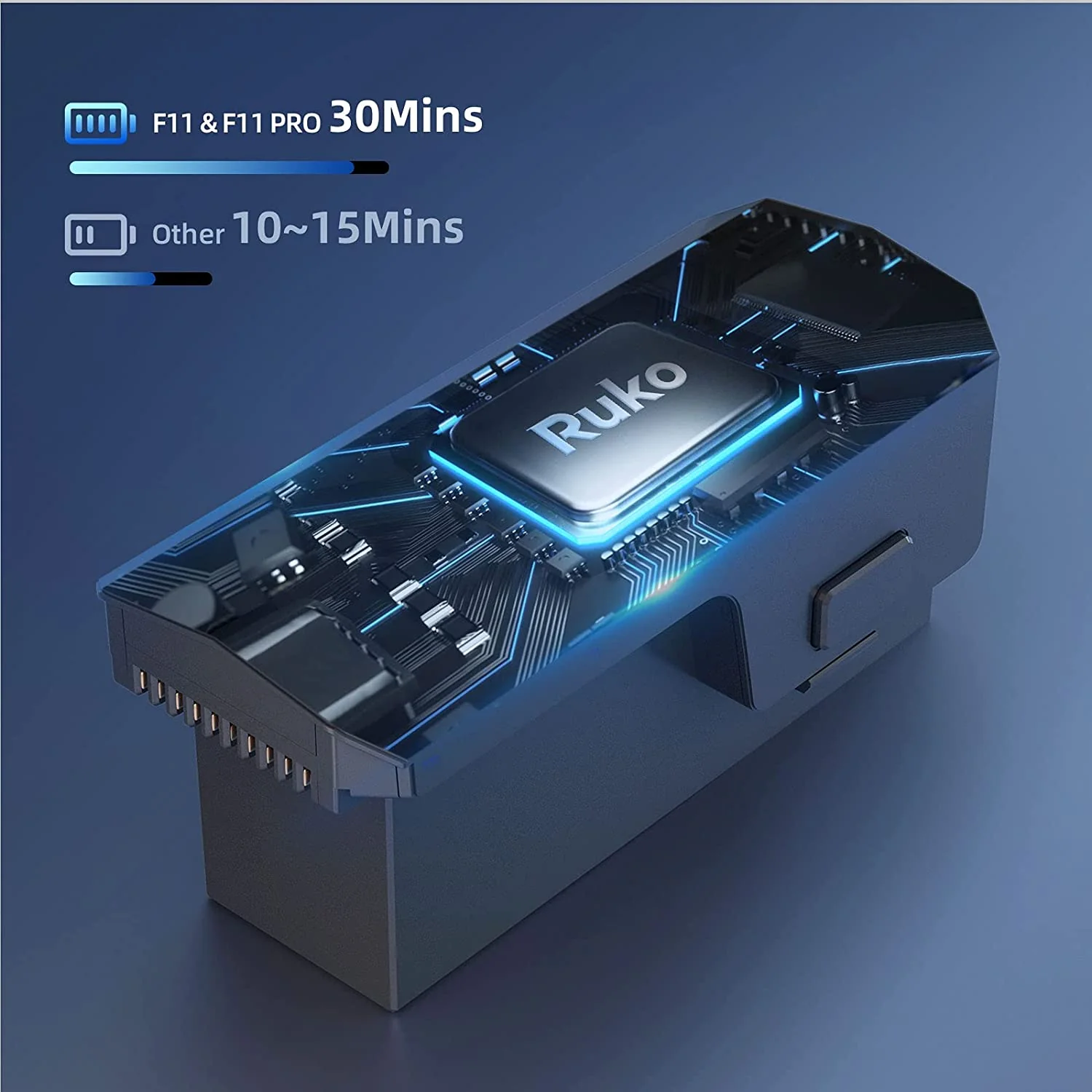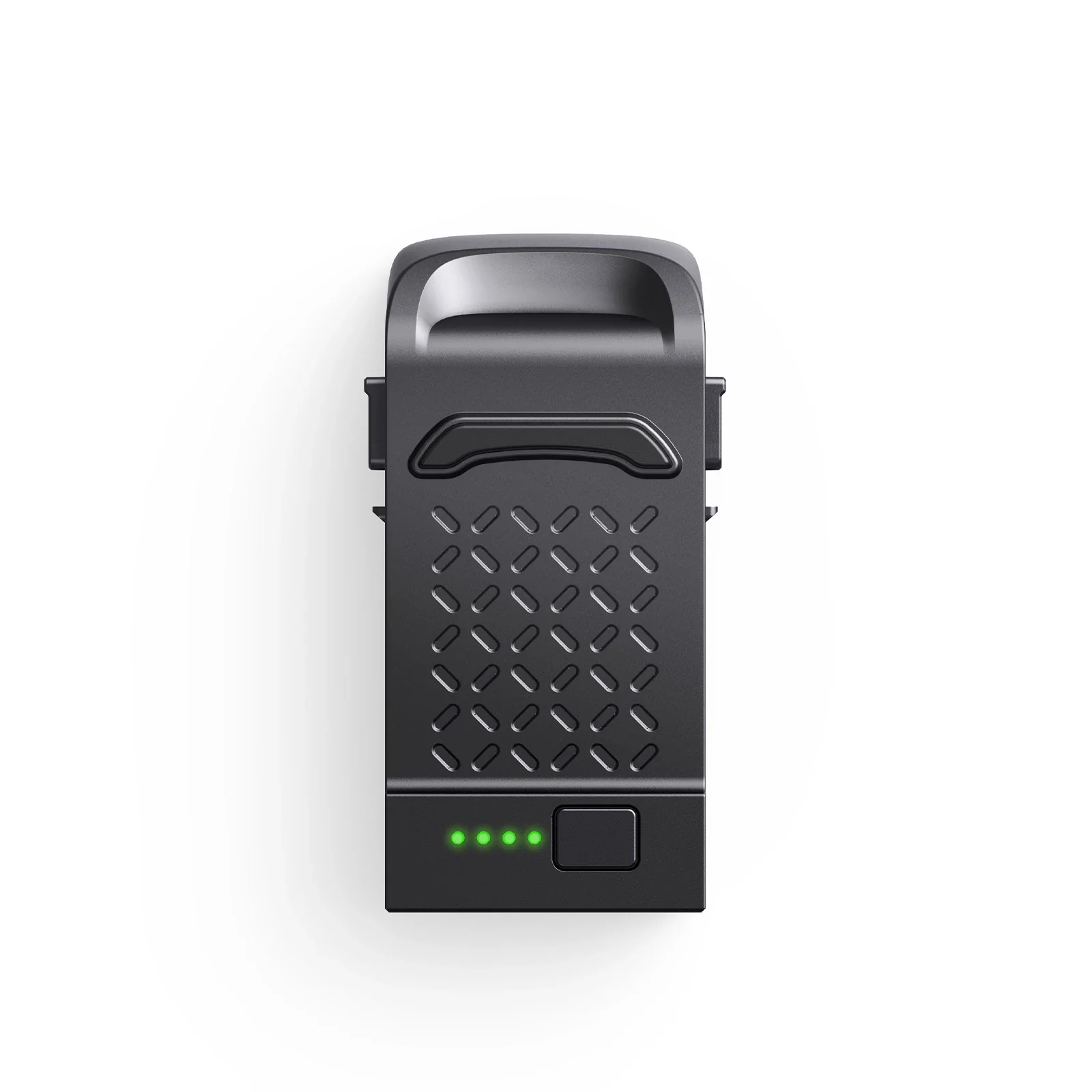

Ruko F11 & F11PRO Remote Controller

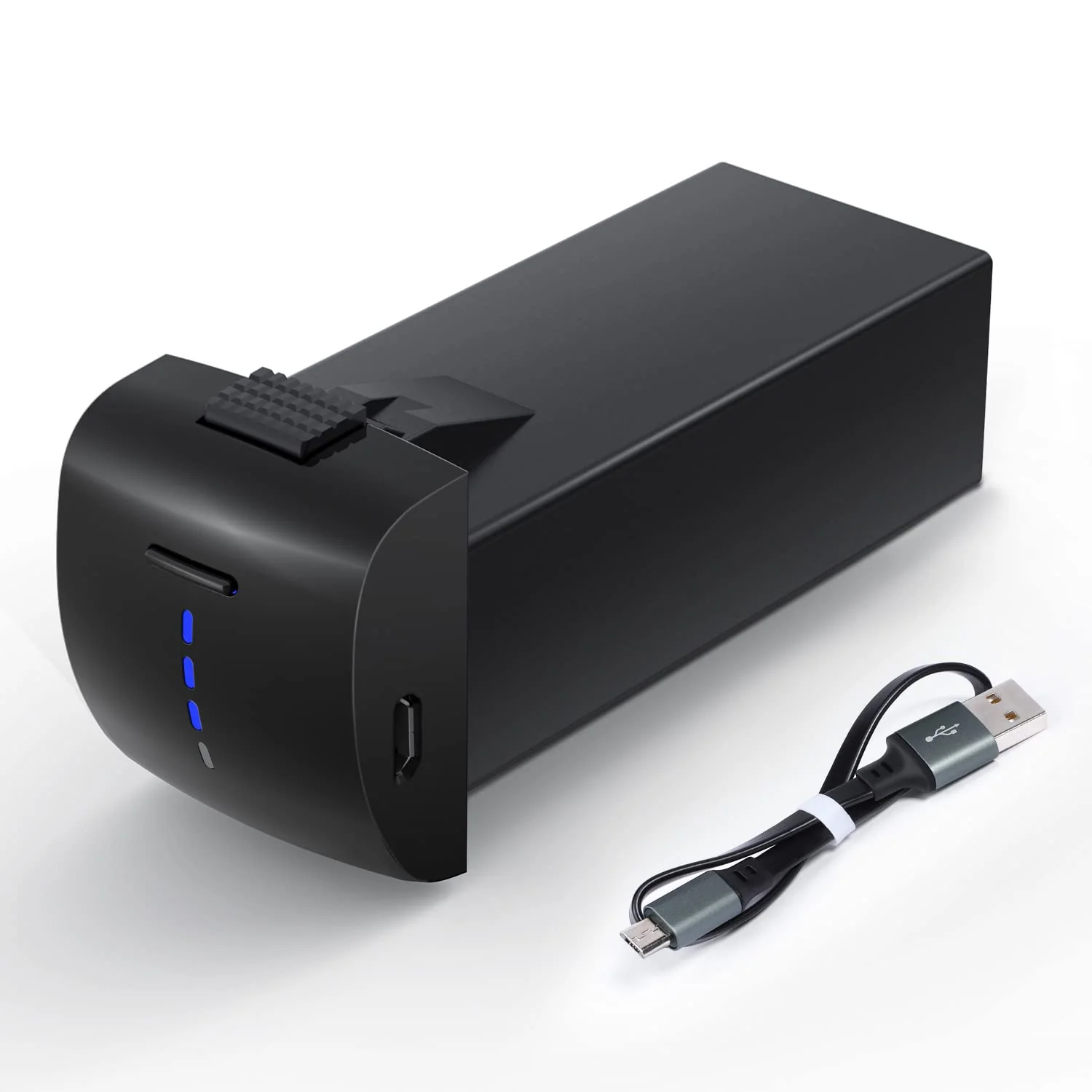
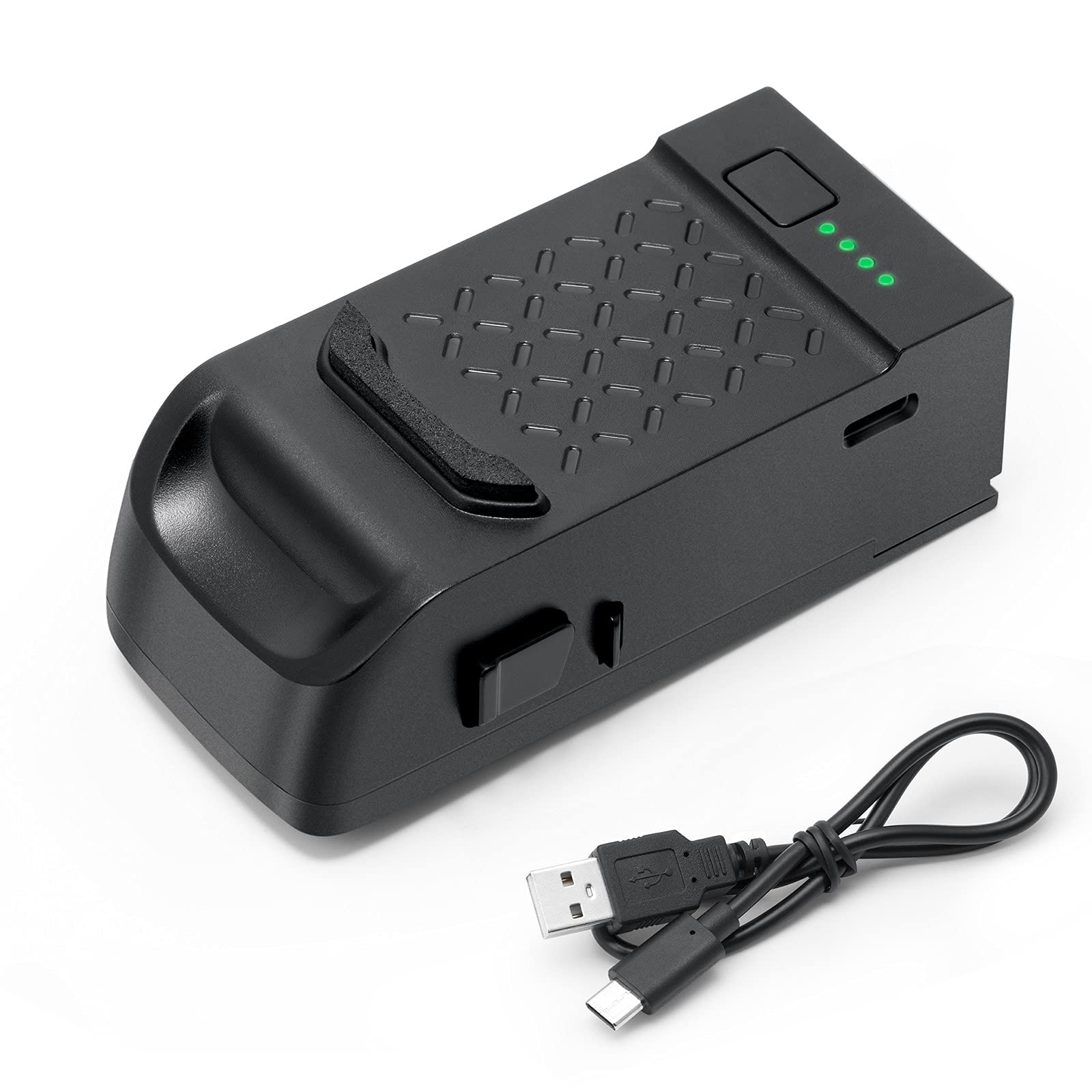
The USB output should use 5V =2A-3A when charging. It takes about 40 mins for full incharge.

Power on the remote control and push the left joystick up then down. When the white LED light turns from blinking to steady on, it means the paring success.

When starting the motor, push the joystocks to 5&7 O'clock position about 2s.

When the drone is flying, press the camera and video buttons at the same time to enter the surround flight function, lock the center point of the surround, 2. Move the forward joystick to adjust the surround radius, 3. Press the camera and video buttons at the same time to enter the surround, 4. Press the camera repeatedly at the same time. Recording can be canceled.

Click the left up button to enter into headless mode, the headless mode light becomes light, press it again, then exit headless mode. (Note: press 3s means to close the GPS)

Max Control Range is 1200M/4000ft (Depends on phone device and environment)

When the drone flight, the first LED light flashing, means the remote control low battery. The drone will return home automatically.

Press the left up button 3s will turn off GPS mode, do not press the GPS button when flighting,otherwise, the drone can not stable intelligent flight and automatic return-to-home.

Press 3 seconds the button on the right front of the controller is for Emergency Stop. The drone will land directly. Plsease use it cautiously. (Note: during 13 meters available)
Product information
The USB output should use 5V =2A-3A when charging. It takes about 40 mins for full incharge.
Power on the remote control and push the left joystick up then down. When the white LED light turns from blinking to steady on, it means the paring success.
When starting the motor, push the joystocks to 5&7 O'clock position about 2s.
When the drone is flying, press the camera and video buttons at the same time to enter the surround flight function, lock the center point of the surround, 2. Move the forward joystick to adjust the surround radius, 3. Press the camera and video buttons at the same time to enter the surround, 4. Press the camera repeatedly at the same time. Recording can be canceled.
Click the left up button to enter into headless mode, the headless mode light becomes light, press it again, then exit headless mode. (Note: press 3s means to close the GPS)
Max Control Range is 1200M/4000ft (Depends on phone device and environment)
When the drone flight, the first LED light flashing, means the remote control low battery. The drone will return home automatically.
Press the left up button 3s will turn off GPS mode, do not press the GPS button when flighting,otherwise, the drone can not stable intelligent flight and automatic return-to-home.
Press 3 seconds the button on the right front of the controller is for Emergency Stop. The drone will land directly. Plsease use it cautiously. (Note: during 13 meters available)
Product information
Description
The USB output should use 5V =2A-3A when charging. It takes about 40 mins for full incharge.
Power on the remote control and push the left joystick up then down. When the white LED light turns from blinking to steady on, it means the paring success.
When starting the motor, push the joystocks to 5&7 O'clock position about 2s.
When the drone is flying, press the camera and video buttons at the same time to enter the surround flight function, lock the center point of the surround, 2. Move the forward joystick to adjust the surround radius, 3. Press the camera and video buttons at the same time to enter the surround, 4. Press the camera repeatedly at the same time. Recording can be canceled.
Click the left up button to enter into headless mode, the headless mode light becomes light, press it again, then exit headless mode. (Note: press 3s means to close the GPS)
Max Control Range is 1200M/4000ft (Depends on phone device and environment)
When the drone flight, the first LED light flashing, means the remote control low battery. The drone will return home automatically.
Press the left up button 3s will turn off GPS mode, do not press the GPS button when flighting,otherwise, the drone can not stable intelligent flight and automatic return-to-home.
Press 3 seconds the button on the right front of the controller is for Emergency Stop. The drone will land directly. Plsease use it cautiously. (Note: during 13 meters available)